
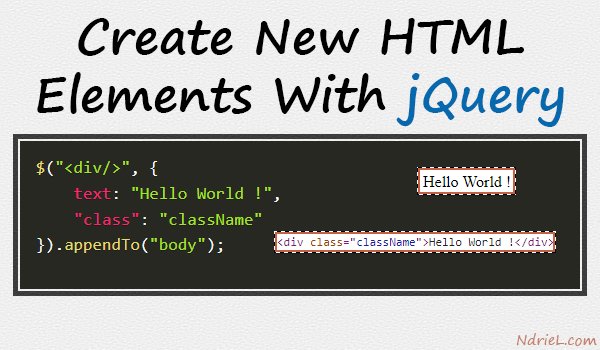
With jQuery, it’s not so hard to create HTML elements. All that is needed is to use the dollar sign function $() to initialize the element. And from there, other options can be attached like adding a CSS class, attribute id, and text to name a few.
Requirements:
- jQuery
How to create a new div element with jQuery.
$("<div/>");Add some text to the new div.
$("<div/>", {
    text: "Hello World !"
});
Add a css class to the new div.
$("<div/>", {
    text: "Hello World !",
    "class": "className"
});
Append the new div to the body of the document.
$("<div/>", {
    text: "Hello World !",
    "class": "className"
}).appendTo("body");
Result.
Front-end.

Back-end.


1 comments