
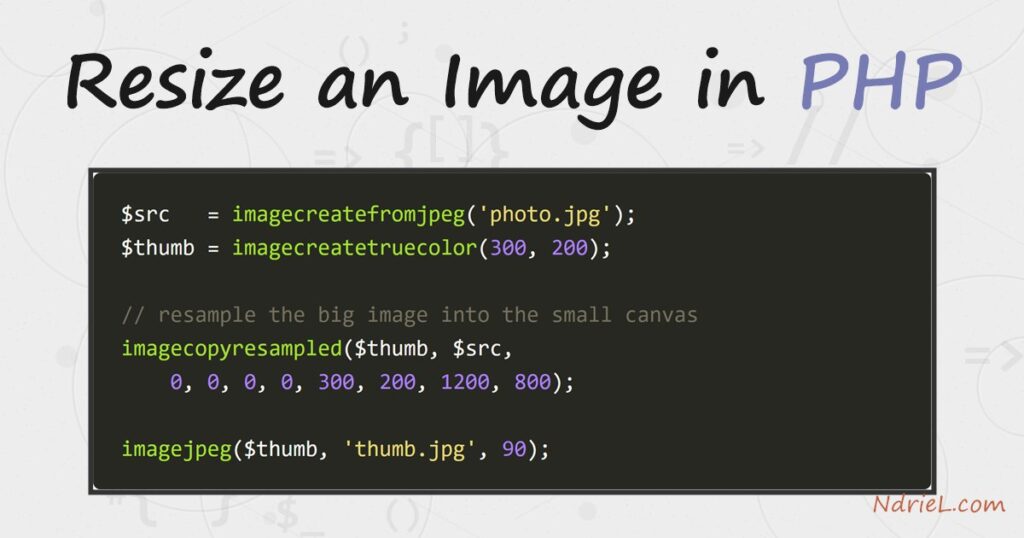
Resize an image in PHP with the GD extension. You load the source with imagecreatefromjpeg(), create a smaller canvas, and copy the pixels across with imagecopyresampled(). That last function does the real work: it resamples the original down to the new size, so the thumbnail stays smooth instead of blocky. This tutorial shrinks a 1200×800 photo to a 300-pixel-wide thumbnail. It scales the height by the same ratio, so the picture keeps its proportions and nothing looks stretched.
Requirements to resize an image:
- PHP 7.0 or newer (tested on PHP 8.5.7) with the
gdextension enabled. Check withphp -m | grep gd; if it is missing, enable extension=gd in php.ini. - A source image to resize. This tutorial uses a JPEG named photo.jpg.
- A command line to run the script.
How To Resize an Image in PHP.
The objective is to turn a large JPEG into a smaller thumbnail while preserving its aspect ratio. First it reads the source size, then it computes a matching height, and finally it resamples and saves.
Step 1.
First, put a source image named photo.jpg in the working folder. Any JPEG works. This tutorial uses one that is 1200 pixels wide and 800 tall, so the numbers in the output are easy to follow.
Step 2.
Next, create the script, name it resize.php, and copy in the following. Read the source dimensions with getimagesize(), then compute the target height from the target width using the same ratio. That ratio is what keeps the image from stretching. Then imagecopyresampled() maps the full source onto the smaller canvas.
<?php
$source      = 'photo.jpg';
$targetWidth = 300;

// Read the source dimensions, then load it into a GD image.
[$width, $height] = getimagesize($source);
$src = imagecreatefromjpeg($source);

// Scale the height by the same ratio so proportions stay intact.
$targetHeight = (int) round($height * ($targetWidth / $width));

// Resample the source into a smaller canvas for smooth pixels.
$thumb = imagecreatetruecolor($targetWidth, $targetHeight);
imagecopyresampled(
    $thumb, $src,
    0, 0, 0, 0,
    $targetWidth, $targetHeight,
    $width, $height
);

// Write the thumbnail out as a new JPEG at 90% quality.
imagejpeg($thumb, 'thumb.jpg', 90);

imagedestroy($src);
imagedestroy($thumb);

echo "Original:  {$width} x {$height}\n";
echo "Thumbnail: {$targetWidth} x {$targetHeight}  ->  thumb.jpg\n";
Two arguments deserve a note. imagecopyresampled() takes the destination and source images, then the x/y offsets, then the destination size, and finally the source size. Because it interpolates pixels, the result looks far cleaner than imagecopyresized(), which just drops pixels. The last argument to imagejpeg() is the JPEG quality, from 0 to 100.
Step 3.
Finally, run the script from the command line.
php resize.phpResult of the resize: a smaller image.
PHP reads the source, resamples it, and writes thumb.jpg at 300×200. As a result, the thumbnail is one quarter the width of the original yet keeps the same proportions, so nothing looks squashed:
Original:  1200 x 800
Thumbnail: 300 x 200  ->  thumb.jpg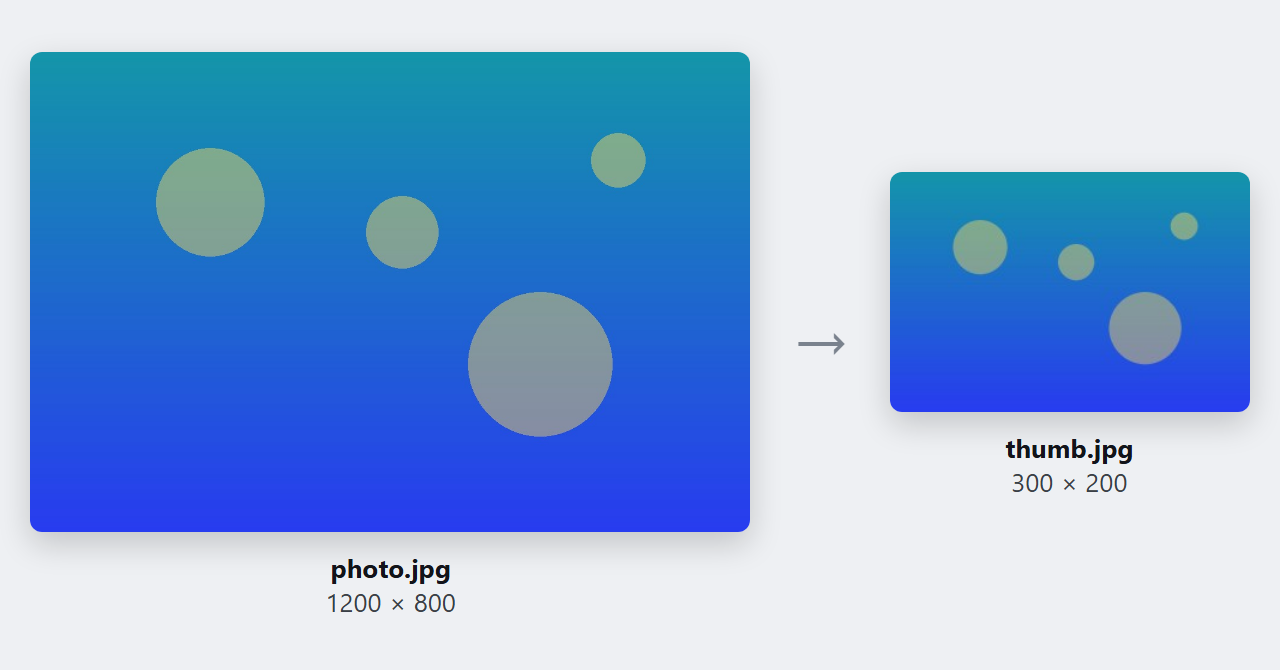
Notes on how to resize an image:
- Match the loader to the format. Use
imagecreatefrompng()for PNG andimagecreatefromwebp()for WebP, and save withimagepng()orimagewebp(). For PNG transparency, callimagealphablending($thumb, false)andimagesavealpha($thumb, true)before copying. - There is a one-line shortcut.
imagescale($src, 300)resizes to a 300-pixel width and computes the height for you. However,imagecopyresampled()gives you more control, which matters once you crop or pad. - Only ever scale down. Enlarging a small image cannot invent detail, so it just looks soft. Keep the original and generate each size you need from it.
- Watch memory on large sources. GD decompresses the whole image into memory first, so a 6000×4000 photo needs tens of megabytes. Raise
memory_limitfor batch jobs. - Resizing pairs naturally with an upload form. If you generate thumbnails for user photos, first learn to upload a file in PHP, then feed the saved path into the script above. It also builds directly on how to create an image with PHP.
