
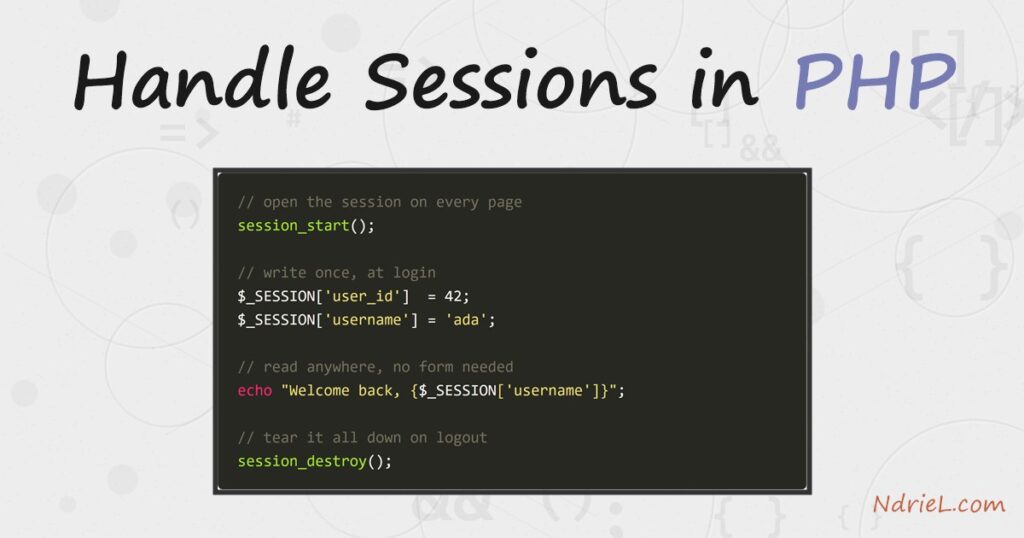
Handle sessions in PHP to remember a user across page loads, such as a login
that stays valid from one request to the next. First, session_start()
opens the session on every page. Then you read and write the $_SESSION
array like any other array. Finally, session_destroy() clears
everything on logout. No database or library is needed, because PHP stores the data on the
server and tracks it with a small cookie.
Requirements to handle sessions in PHP:
- PHP 8.5 (tested against 8.5.7). Sessions have been in core since PHP 4, so the code runs on any modern version.
- A browser or an HTTP client that keeps cookies — the session id travels in a cookie named PHPSESSID.
How To Handle Sessions in PHP.
The objective is to log a user in, keep them logged in across separate pages, and log them
back out. Specifically, one page writes to the session, a second page reads it, and a third
tears it down. PHP holds the real data on the server; the browser only carries an opaque id.
Step 1.
First, start the session and store some values. Call session_start()
before any output, because it sends the session cookie in the HTTP headers. Then assign to
$_SESSION exactly as you would a normal array. Save this as
login.php.
<?php
session_start();

// Pretend these came from a checked login form.
$_SESSION['user_id']  = 42;
$_SESSION['username'] = 'ada';
$_SESSION['role']     = 'editor';

echo "Logged in. Session id: " . session_id() . "\n";
echo "Stored username: {$_SESSION['username']}\n";
Call session_start() once at the top of every page that needs the
session, not just this one. Also, keep it above any <html> or
echo, or PHP warns that the headers were already sent.
Step 2.
Next, read the session on a different page. Because the browser sends the PHPSESSID
cookie automatically, $_SESSION arrives already filled. Here the page
checks whether a user id is present and refuses to render otherwise. Save this as
dashboard.php.
<?php
session_start();

if (empty($_SESSION['user_id'])) {
    http_response_code(403);
    echo "Not logged in.\n";
    exit;
}

echo "Welcome back, {$_SESSION['username']} (role: {$_SESSION['role']}).\n";
echo "Your user id is {$_SESSION['user_id']}.\n";
This is the whole point of a session: dashboard.php never received the username in a
form or a query string. Instead, it read the value that login.php saved on the server.
Step 3.
Then, log the user out. Clearing $_SESSION empties the data, but two
more steps finish the job. Delete the session cookie in the browser, and call
session_destroy() to drop the server-side store. Save this as
logout.php.
<?php
session_start();

$_SESSION = [];                 // clear the data

// Expire the session cookie in the browser.
if (ini_get('session.use_cookies')) {
    $p = session_get_cookie_params();
    setcookie(session_name(), '', time() - 42000,
        $p['path'], $p['domain'], $p['secure'], $p['httponly']);
}

session_destroy();              // remove the server-side store
echo "Logged out. Session destroyed.\n";
Emptying the array alone leaves a stale cookie pointing at a dead session. Therefore, expire
the cookie and destroy the store together, so a later request starts completely fresh.
Step 4.
Finally, harden the session cookie before you start it. Mark it httponly
so JavaScript cannot read it, and secure so it travels only over HTTPS.
Set these once, above session_start().
<?php
session_set_cookie_params([
    'lifetime' => 0,          // until the browser closes
    'path'     => '/',
    'httponly' => true,       // hide from document.cookie
    'secure'   => true,       // HTTPS only
    'samesite' => 'Lax',      // basic CSRF defence
]);
session_start();
session_regenerate_id(true);  // new id right after a real login
As a result, the id is far harder to steal or fixate. In particular, call
session_regenerate_id(true) the moment a login succeeds, because a new id
stops an attacker reusing one they planted earlier.
Result of the handle sessions in PHP script.
To handle sessions in PHP end to end, run the three pages in order with a client that keeps
cookies. The dashboard refuses the first, anonymous visit. After login, the same dashboard greets the user by name, which proves
the session carried the data across requests. After logout, it locks again:
$ # 1. dashboard with no session
Not logged in.

$ # 2. log in (server sets the PHPSESSID cookie)
Logged in. Session id: ba89d407f5b77796aa62e4f4a8ecdcdb
Stored username: ada

$ # 3. dashboard WITH the session cookie
Welcome back, ada (role: editor).
Your user id is 42.

$ # 4. log out, then hit the dashboard again
Logged out. Session destroyed.
Not logged in.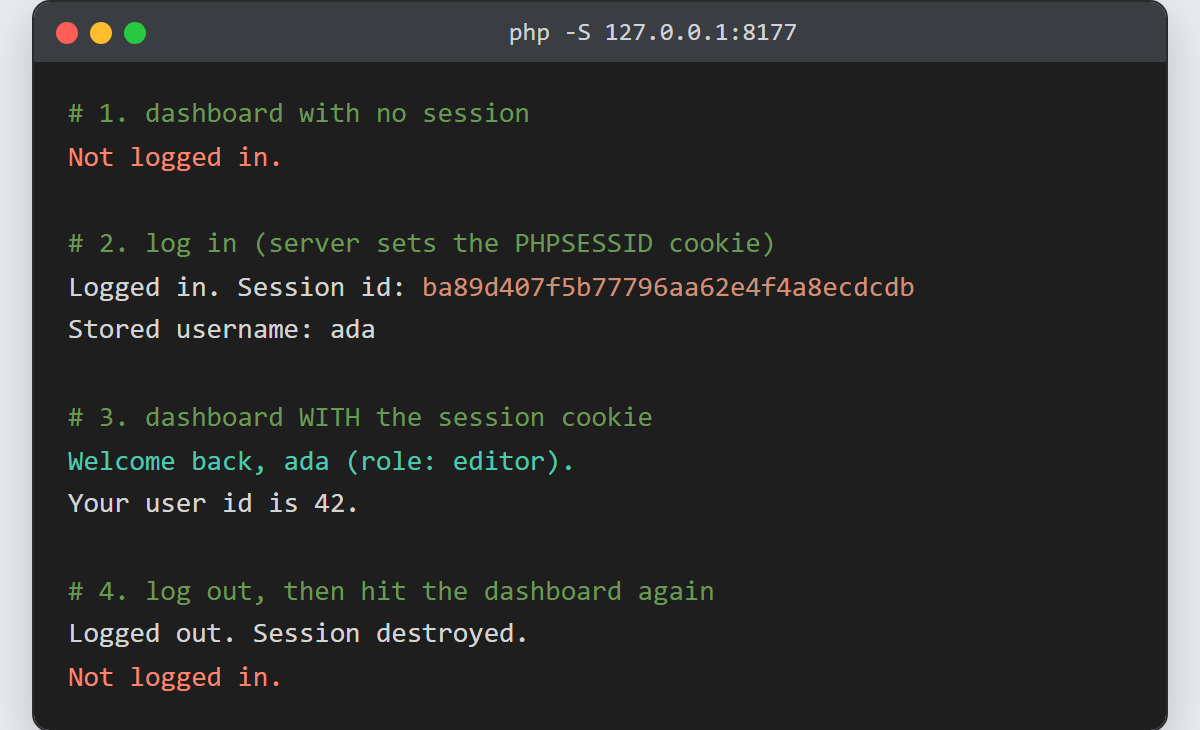
Notes on how to handle sessions in PHP:
- Call
session_start()before any output. A stray space or
<!DOCTYPE>above it sends the body first, and the session cookie
never goes out. - Never put secrets or trust flags in a cookie yourself. Store only the opaque id in the
cookie — which is what sessions already do — and keep the real values in
$_SESSIONon the server. - Regenerate the id on any privilege change with
session_regenerate_id(true). This defeats session fixation, where an
attacker sets the id before the victim logs in. - Sessions and passwords go together. Once you verify a login — see how to
hash and verify passwords in PHP
— store the user id in the session so the next page trusts them. - For a “remember me” that outlives the browser, set a longer
lifetimein the cookie params, but weigh the extra risk of a
long-lived id.
