
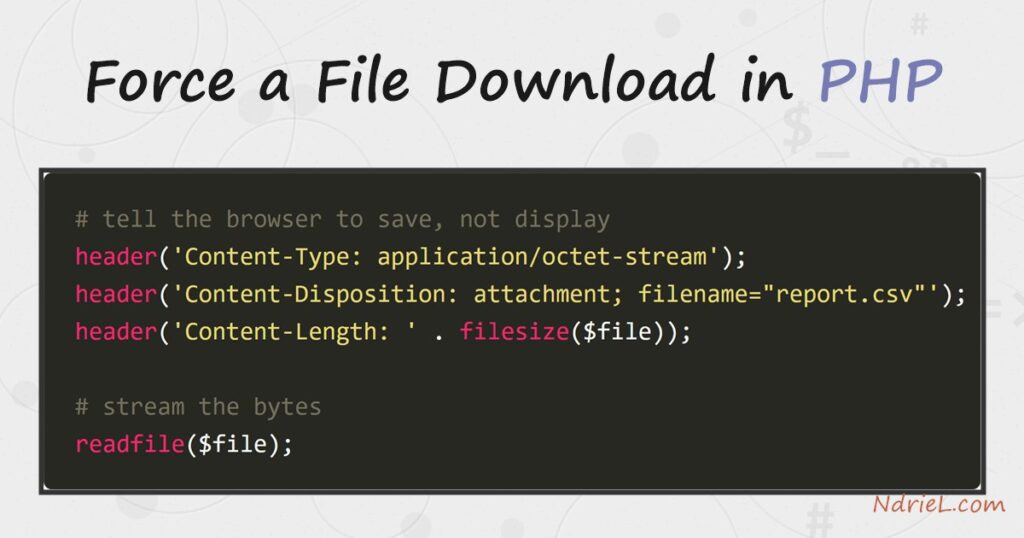
Force a file download in PHP by sending a few HTTP headers before you stream the file’s bytes. The browser normally tries to display a file it recognises, but the Content-Disposition: attachment header tells it to save the file instead. This tutorial builds a small download.php that serves a CSV. First it guards the path so only a known file is served, then it sets the download headers, and finally it streams the file with readfile(). The same pattern works for any file type.
Requirements to force a file download in PHP:
- PHP 7.0 or newer (tested on PHP 8.5.7). No extensions needed —
header()andreadfile()are built in. - A web server, and a file to serve. This example serves a report.csv sitting next to the script.
How To Force a File Download in PHP.
The objective is a script that makes the browser download a file rather than open it. The trick is entirely in the response headers.
Step 1.
First, create the script, name it download.php, and resolve the file safely. Never join user input straight onto a path, or a visitor could request ../../config.php. Instead, pick from known files, then confirm the file exists before serving it.
<?php
$file = __DIR__ . '/report.csv';
$name = 'report.csv';

if (!is_file($file)) {
    http_response_code(404);
    exit('Not found');
}
Step 2.
Next, send the headers that trigger a download. Content-Type: application/octet-stream marks the body as raw bytes. Content-Disposition: attachment asks the browser to save it, and filename sets the suggested name. Content-Length then lets the browser show a progress bar.
header('Content-Type: application/octet-stream');
header('Content-Disposition: attachment; filename="' . $name . '"');
header('Content-Length: ' . filesize($file));
header('Cache-Control: no-store');
Step 3.
Then, stream the file and run it. readfile() writes the file straight to the output buffer, so even a large file does not load fully into memory. Start the built-in server and request the script with curl to see it work.
readfile($file); // stream the bytes to the browserphp -S 127.0.0.1:8000
curl -OJ http://127.0.0.1:8000/download.phpResult of the file download in PHP.
The response carries the attachment headers, so curl saves the body to report.csv using the name from the header. As a result, a browser would show a save dialog instead of printing the CSV:
$ curl -I http://127.0.0.1:8000/download.php
HTTP/1.1 200 OK
Content-Type: application/octet-stream
Content-Disposition: attachment; filename="report.csv"
Content-Length: 46
Cache-Control: no-store

$ curl -OJ http://127.0.0.1:8000/download.php
$ cat report.csv
name,age,city
Ada,36,London
Grace,45,New York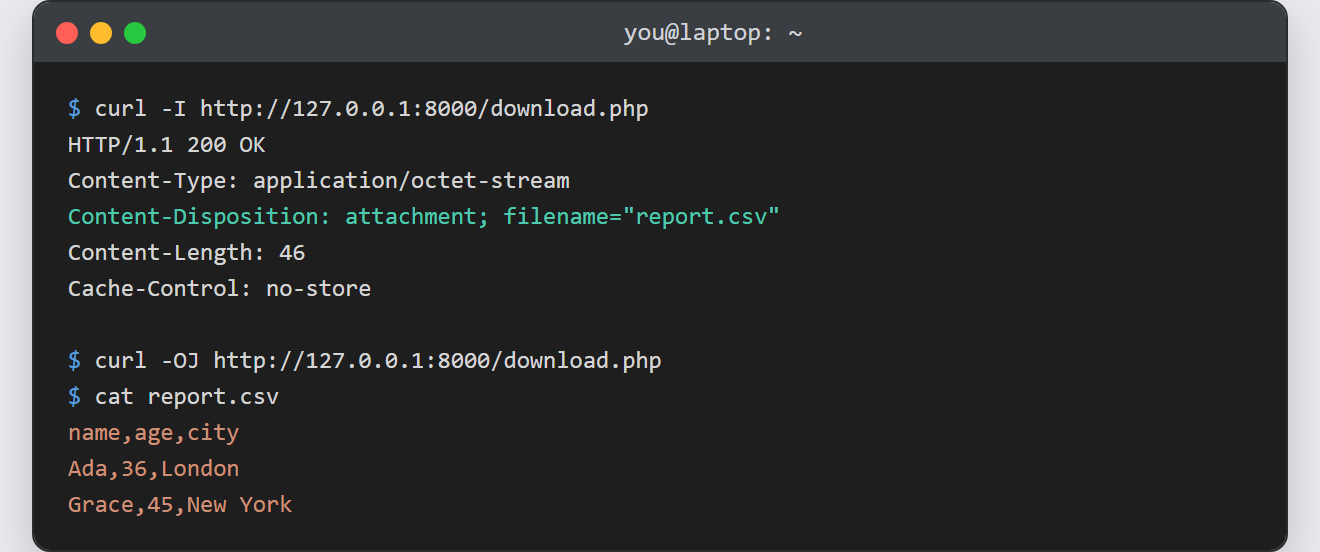
Notes on the file download in PHP:
- Send no output before the headers. Any echo, HTML, or blank line ahead of
<?phpstarts the body, so the headers then fail with “headers already sent”. Keep the script header-only untilreadfile(). - Guard the file path. If a filename comes from the request, whitelist it or run it through
basename()and confirm it lives in your download folder. Otherwise a path like ../../ can read files you never meant to expose. readfile()streams; avoidfile_get_contents(). Reading the whole file into a string first wastes memory on large downloads, whereasreadfile()sends it in chunks.- Force a download of a known type. To make the browser save a PDF or image rather than open it, keep
Content-Disposition: attachment; the octet-stream type is what stops inline display. - This is the mirror image of an upload. Where this serves a file to the visitor, you can also upload a file in PHP to receive one — together they cover both directions.
