
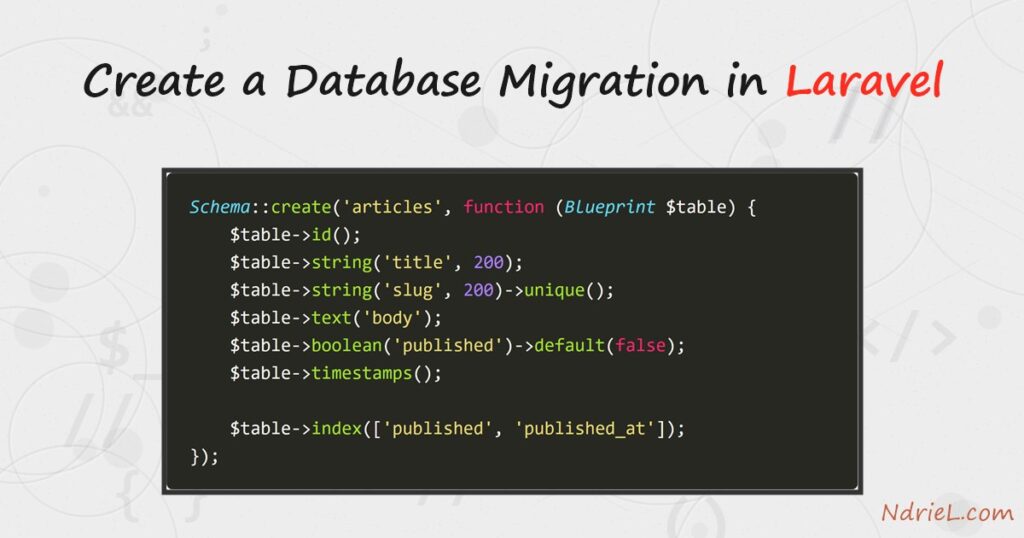
Create a database migration in Laravel to define a table in PHP instead of hand-written SQL. A migration is a versioned class with an up() method that builds the table and a down() method that removes it. First, php artisan make:migration generates the file. Next, the Schema builder describes the columns and indexes. Then php artisan migrate applies it, and migrate:rollback undoes it. This tutorial builds an articles table and takes it up and back down again.
Requirements to create a database migration in Laravel:
- Laravel 13 (tested on 13.24.0). Migrations work the same way back to Laravel 9, though the anonymous-class file shape arrived in Laravel 9.
- PHP 8.3 or newer, which Laravel 13 requires (tested on PHP 8.5.7).
- MySQL 8.0 or newer (tested on MySQL 8.4.10), plus an empty database the app can connect to.
How To Create a Database Migration in Laravel.
The objective is an articles table with a unique slug, a default view count, a nullable publish date and a composite index. We then confirm the schema in MySQL and roll it back.
Step 1.
First, point the app at your database. Open .env and set the connection block, because a fresh Laravel 13 install defaults to SQLite.
DB_CONNECTION=mysql
DB_HOST=127.0.0.1
DB_PORT=3306
DB_DATABASE=ndriel_lab
DB_USERNAME=root
DB_PASSWORD=
Create that database first with mysql -u root -e "CREATE DATABASE ndriel_lab CHARACTER SET utf8mb4;". Laravel will create the tables, but never the database itself.
Step 2.
Next, generate the migration file. Artisan reads the name and works out the intent, so create_articles_table gives you a stub that already calls Schema::create('articles', ...).
php artisan make:migration create_articles_tableThe new file lands in database/migrations/ with a timestamp in front of the name, for example 2026_08_06_154804_create_articles_table.php. That timestamp is what orders the migrations, so never rename it by hand.
Step 3.
Then describe the table. Replace the generated up() and down() with the following. Each method on $table adds one column, and the modifiers chain onto it.
<?php

use Illuminate\Database\Migrations\Migration;
use Illuminate\Database\Schema\Blueprint;
use Illuminate\Support\Facades\Schema;

return new class extends Migration
{
    public function up(): void
    {
        Schema::create('articles', function (Blueprint $table) {
            $table->id();
            $table->string('title', 200);
            $table->string('slug', 200)->unique();
            $table->text('body');
            $table->unsignedSmallInteger('views')->default(0);
            $table->boolean('published')->default(false);
            $table->timestamp('published_at')->nullable();
            $table->timestamps();

            $table->index(['published', 'published_at']);
        });
    }

    public function down(): void
    {
        Schema::dropIfExists('articles');
    }
};
Three of those lines are shorthand worth knowing. id() creates an auto-incrementing BIGINT UNSIGNED primary key, timestamps() adds the nullable created_at and updated_at pair, and unique() adds a unique index rather than a plain column. The final index() call also builds one composite index across two columns, which suits a “published articles, newest first” query.
Note that down() must undo exactly what up() did. Because this migration creates a table, dropping it is the whole reversal.
Step 4.
Now run the migration. Artisan applies every file that has not run yet, in timestamp order.
php artisan migrateThen confirm what Laravel built. migrate:status lists each migration with the batch that ran it, and DESCRIBE shows the real MySQL types.
php artisan migrate:status
mysql -u root ndriel_lab -e "DESCRIBE articles;"
Step 5.
Finally, roll it back. migrate:rollback reverses the last batch, so it calls down() on the migration you just ran and drops the table.
php artisan migrate:rollbackBatches are the unit of undo. Because this migration ran on its own, it formed batch 2 and rolls back alone. However, migrating three new files at once puts all three in one batch, so a single rollback reverses all of them.
Result of the database migration in Laravel.
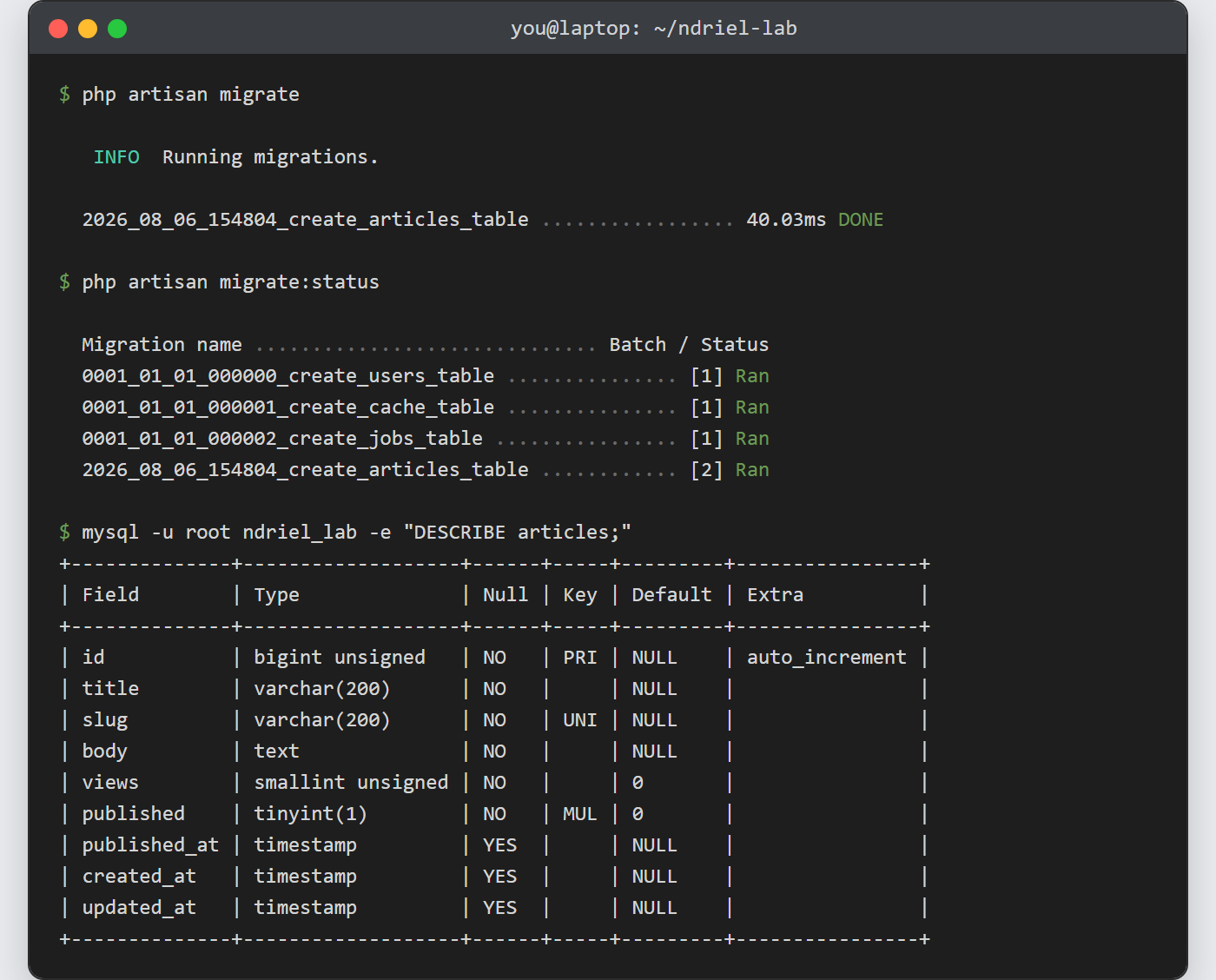
Artisan reports the migration as DONE, and migrate:status shows it in batch 2 behind the three that ship with Laravel. Meanwhile MySQL confirms the types the Schema builder chose, including the bigint unsigned key and the UNI index on the slug:
$ php artisan migrate

   INFO  Running migrations.

  2026_08_06_154804_create_articles_table ....................... 40.03ms DONE

$ php artisan migrate:status

  Migration name ............................... Batch / Status
  0001_01_01_000000_create_users_table ................. [1] Ran
  0001_01_01_000001_create_cache_table ................. [1] Ran
  0001_01_01_000002_create_jobs_table .................. [1] Ran
  2026_08_06_154804_create_articles_table .............. [2] Ran

$ mysql -u root ndriel_lab -e "DESCRIBE articles;"
+--------------+-------------------+------+-----+---------+----------------+
| Field        | Type              | Null | Key | Default | Extra          |
+--------------+-------------------+------+-----+---------+----------------+
| id           | bigint unsigned   | NO   | PRI | NULL    | auto_increment |
| title        | varchar(200)      | NO   |     | NULL    |                |
| slug         | varchar(200)      | NO   | UNI | NULL    |                |
| body         | text              | NO   |     | NULL    |                |
| views        | smallint unsigned | NO   |     | 0       |                |
| published    | tinyint(1)        | NO   | MUL | 0       |                |
| published_at | timestamp         | YES  |     | NULL    |                |
| created_at   | timestamp         | YES  |     | NULL    |                |
| updated_at   | timestamp         | YES  |     | NULL    |                |
+--------------+-------------------+------+-----+---------+----------------+
Notes on the database migration in Laravel:
- Change an existing table with a second migration, never by editing the first. Generate one with
make:migration add_excerpt_to_articles_tableand useSchema::table()inside it, so teammates who already migrated pick up the change. migrate:freshdrops every table and re-runs everything. That is handy locally, but it destroys data, so keep it away from production.- Laravel tracks applied migrations in a migrations table. Delete a row there and Laravel will run that file again, which is occasionally the quickest way out of a stuck state.
- Write
down()even when you think you will not need it. A rollback that half-works is worse than one that fails loudly, and reviewers readdown()to understand the change. - The Schema builder writes ordinary SQL underneath. If you want to see the equivalent statements, or add an index to a table by hand, compare it with creating a MySQL table from the terminal.
