
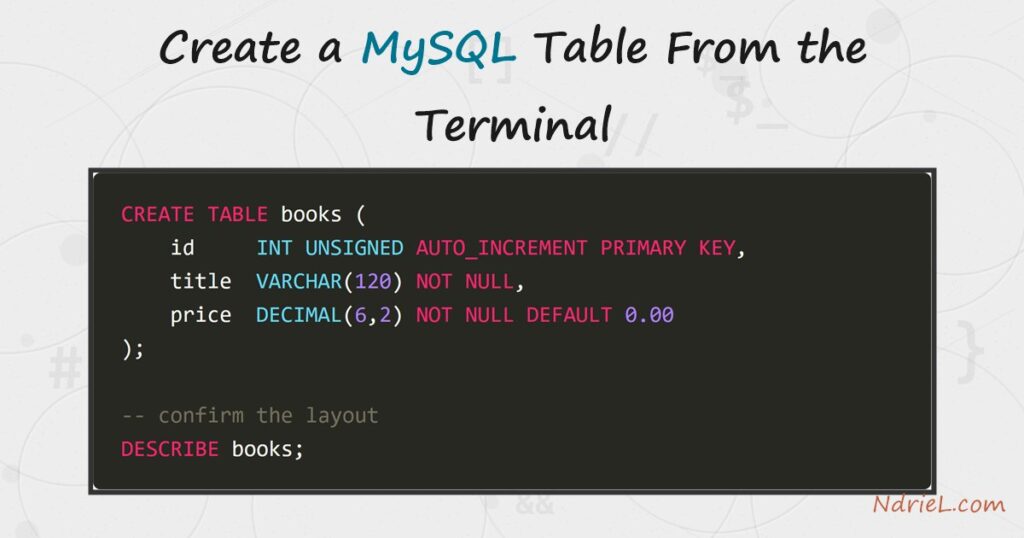
Create a MySQL table from the terminal to give your data a fixed shape: named columns,
a type for each one, and rules about what may go in them. First, you open the
mysql client and pick a database. Then a single CREATE statement defines the columns, a
TABLEPRIMARY KEY,
and defaults. Finally, DESCRIBE confirms the structure. No
GUI is needed, because the terminal client ships with MySQL.
Requirements to create a MySQL table:
- MySQL 8.4 (tested against 8.4.10). The syntax is standard SQL, so it also runs on MySQL
5.7 and MariaDB. - Terminal access to the mysql client, logged in as a user who may create tables.
How To Create a MySQL Table From the Terminal.
The objective is to build a books table with typed columns, an auto-incrementing
key, and sensible defaults. Then we confirm its layout and store two rows, so you can see the
table actually holds data.
Step 1.
First, connect and choose a database. Open the terminal, start the mysql client,
and create a database to hold the table. The USE statement
then makes it the current one, so later statements need no prefix.
CREATE DATABASE bookshop;
USE bookshop;A table always lives inside a database. If you skip USE,
MySQL answers No database selected, so select one first.
Step 2.
Next, create the table. Each line names a column, gives it a type, and adds optional rules
such as NOT NULL or a DEFAULT.
The id column is the primary key, and
AUTO_INCREMENT lets MySQL number the rows for you.
CREATE TABLE books (
id INT UNSIGNED AUTO_INCREMENT PRIMARY KEY,
title VARCHAR(120) NOT NULL,
author VARCHAR(80) NOT NULL,
price DECIMAL(6,2) NOT NULL DEFAULT 0.00,
in_stock TINYINT(1) NOT NULL DEFAULT 1,
created_at TIMESTAMP NOT NULL DEFAULT CURRENT_TIMESTAMP
);Pick the narrowest type that fits the data. For example,
VARCHAR(120) caps the title length, while
DECIMAL(6,2) stores money exactly instead of rounding like a
float. In addition, DEFAULT CURRENT_TIMESTAMP stamps each new
row with the time it was inserted.
Step 3.
Then, confirm the structure with DESCRIBE. It lists every
column, its type, whether it accepts NULL, its key role, and
its default. As a result, you can verify the table matches your intent before inserting
anything.
DESCRIBE books;The Key column shows PRI
against id, and the Extra column shows
auto_increment. Together they prove the primary key is in
place.
Step 4.
Finally, store two rows and read them back. You only supply the columns you care about,
because id, in_stock, and created_at fill themselves from their
defaults. So a short INSERT is enough to prove the table
works.
INSERT INTO books (title, author, price) VALUES
    ('The Pragmatic Programmer', 'Hunt & Thomas', 42.50),
    ('Clean Code',               'Robert Martin', 38.00);

SELECT id, title, author, price, in_stock FROM books;
Each row comes back with an id MySQL assigned and an in_stock of
1, the default. Because you never typed those values, the
output confirms the key and the defaults both work.
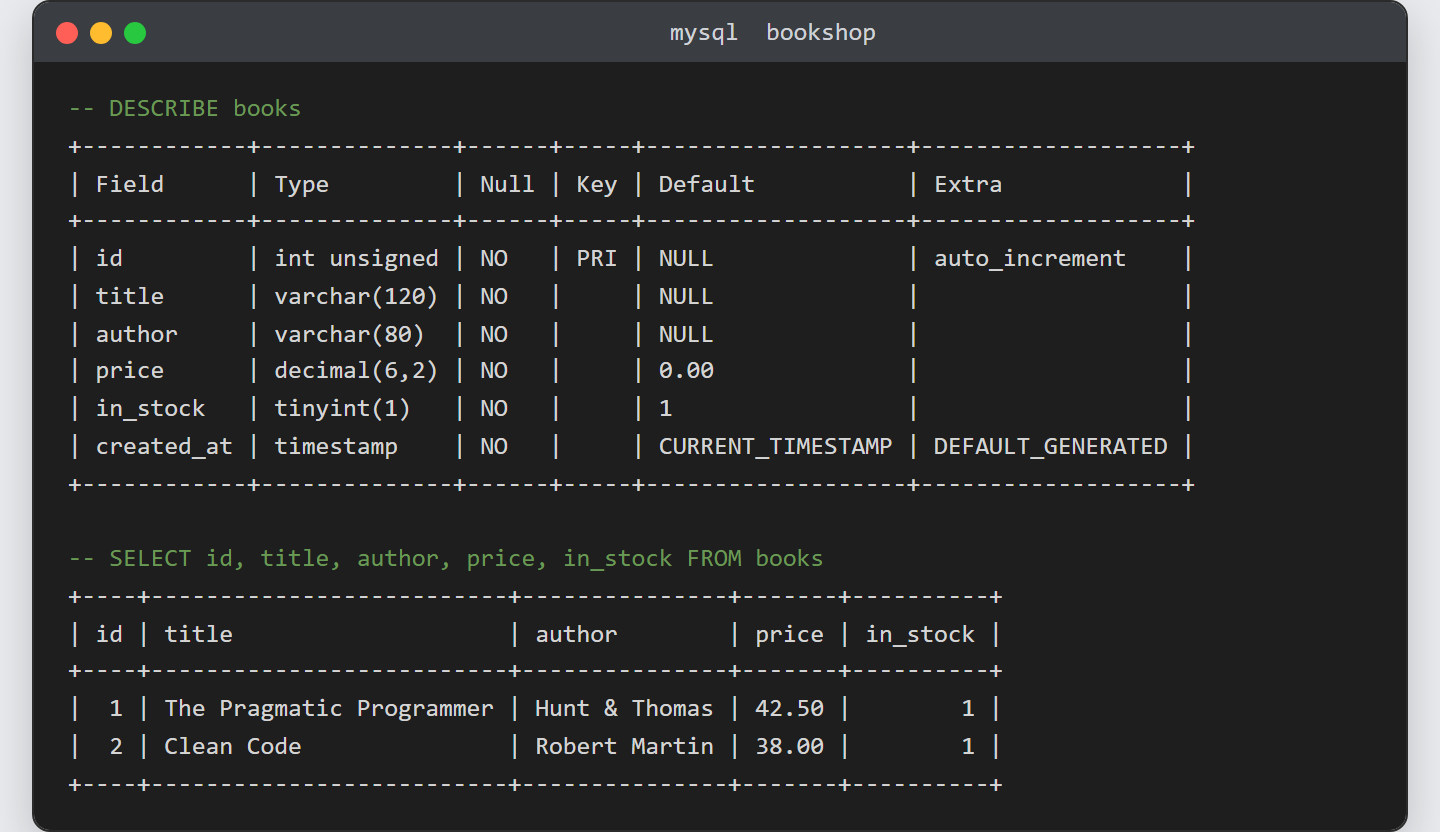
Result after you create a MySQL table.
Running DESCRIBE prints the six columns with their types and
defaults, and the SELECT returns the two rows the insert
stored. Because every default filled in on its own, the values you never typed still appear:
-- DESCRIBE books
+------------+--------------+------+-----+-------------------+-------------------+
| Field      | Type         | Null | Key | Default           | Extra             |
+------------+--------------+------+-----+-------------------+-------------------+
| id         | int unsigned | NO   | PRI | NULL              | auto_increment    |
| title      | varchar(120) | NO   |     | NULL              |                   |
| author     | varchar(80)  | NO   |     | NULL              |                   |
| price      | decimal(6,2) | NO   |     | 0.00              |                   |
| in_stock   | tinyint(1)   | NO   |     | 1                 |                   |
| created_at | timestamp    | NO   |     | CURRENT_TIMESTAMP | DEFAULT_GENERATED |
+------------+--------------+------+-----+-------------------+-------------------+

-- SELECT id, title, author, price, in_stock FROM books
+----+--------------------------+---------------+-------+----------+
| id | title                    | author        | price | in_stock |
+----+--------------------------+---------------+-------+----------+
|  1 | The Pragmatic Programmer | Hunt & Thomas | 42.50 |        1 |
|  2 | Clean Code               | Robert Martin | 38.00 |        1 |
+----+--------------------------+---------------+-------+----------+
Notes on how to create a MySQL table:
- Choose the smallest type that fits. A
VARCHAR(120)and a
TINYINTcost far less space than oversized columns, and they
document the intended range. - Store money as
DECIMAL, never
FLOAT. A float cannot represent many decimal values exactly,
so totals drift by a cent over time. - Give almost every table an
AUTO_INCREMENTprimary key.
It guarantees each row a unique id, which other tables can later reference. - Use
CREATE TABLE IF NOT EXISTSin scripts so a re-run does
not error on a table that already exists. - Once the table exists, connect to it and add data. First make sure you can
access the MySQL database from the terminal,
then insert MySQL data with PHP PDO
from application code.
