
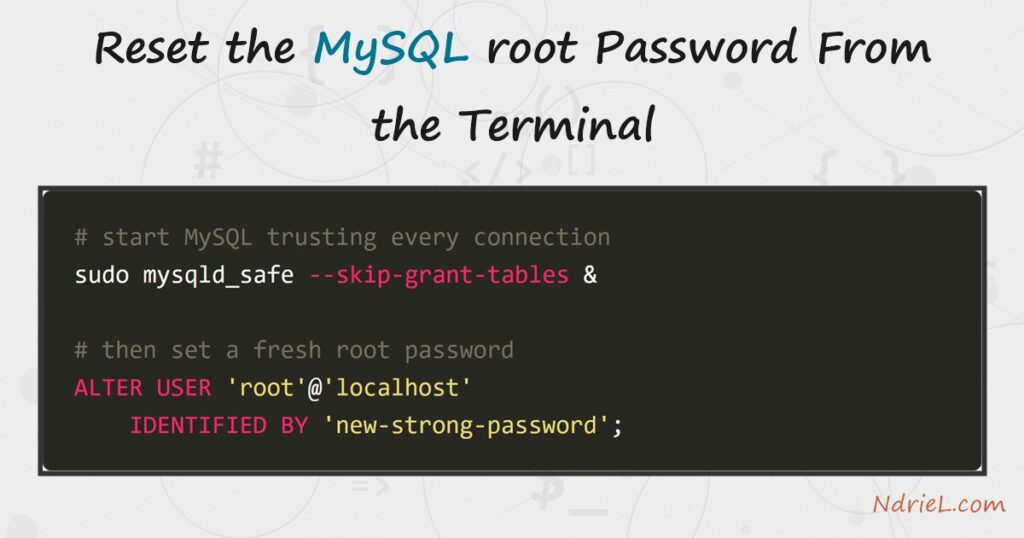
Reset the MySQL root password from the terminal when you are locked out and no longer know
it. Because you cannot log in to change it the normal way, you restart the server in a special
mode that skips authentication. First, you stop MySQL. Then you start it with
--skip-grant-tables so it accepts any login. Finally,
ALTER USER sets a new root password, and a normal restart
locks the door again. This is the standard recovery path on MySQL 8.
Requirements to reset the MySQL root password:
- MySQL 8.4 (tested against 8.4.10). The same steps apply to MySQL 8.0; older 5.7 servers
useSET PASSWORDinstead of the
ALTER USERshown here. - Shell access to the server as
rootor a
sudouser, because stopping and starting the service needs
system privileges.
How To Reset the MySQL root Password From the Terminal.
The objective is to regain root access without knowing the current password. We take the
server down, bring it back up without its permission checks, set a fresh password, and then
return it to normal, secured operation.
Step 1.
First, stop the running server. On a systemd host such as Ubuntu, one command does it. The
server must be fully down before the next step, or you will end up with two instances fighting
over the same data files.
sudo systemctl stop mysqlConfirm it actually stopped with sudo systemctl status mysql.
On Windows, run net stop MySQL84 from an elevated prompt
instead, using your service’s name.
Step 2.
Next, start MySQL with authentication disabled. The
--skip-grant-tables flag tells it to accept any connection
without a password. In addition, --skip-networking closes the
network port, so no one else can reach the wide-open server while you work.
sudo mysqld_safe --skip-grant-tables --skip-networking &This server now trusts everyone, which is exactly why you took the port offline. Because the
window is dangerous, do the next two steps promptly and then restart normally.
Step 3.
Then, connect and set the new password. Log in as root with no password. Because a
skip-grant server ignores the privilege tables, you first run
FLUSH PRIVILEGES to reload them, so
ALTER USER is understood.
mysql -u root

FLUSH PRIVILEGES;
ALTER USER 'root'@'localhost' IDENTIFIED BY 'a-new-strong-password';
EXIT;
Choose a genuinely strong password here, because root can do anything. If the account uses
the default caching_sha2_password plugin, this same statement
updates it correctly.
Step 4.
Finally, return the server to normal. Shut down the temporary skip-grant instance, then
start the service the usual way so authentication and networking come back. After that, log in
with the new password to confirm it works.
sudo mysqladmin -u root shutdown
sudo systemctl start mysql

mysql -u root -p
Once you enter the new password, run SELECT CURRENT_USER(); to
prove you are in. As a result, the account is recovered and the server is secured again.
Result of resetting the MySQL root password.
After the restart, the old password is gone and the new one works. Logging in with
mysql -u root -p succeeds, and a quick query confirms you are
connected as root on the running server:
$ mysql -u root -p
Enter password: ********
Welcome to the MySQL monitor.  Commands end with ; or \g.

mysql> SELECT CURRENT_USER() AS who, @@version AS version;
+----------------+---------+
| who            | version |
+----------------+---------+
| root@localhost | 8.4.10  |
+----------------+---------+
1 row in set (0.00 sec)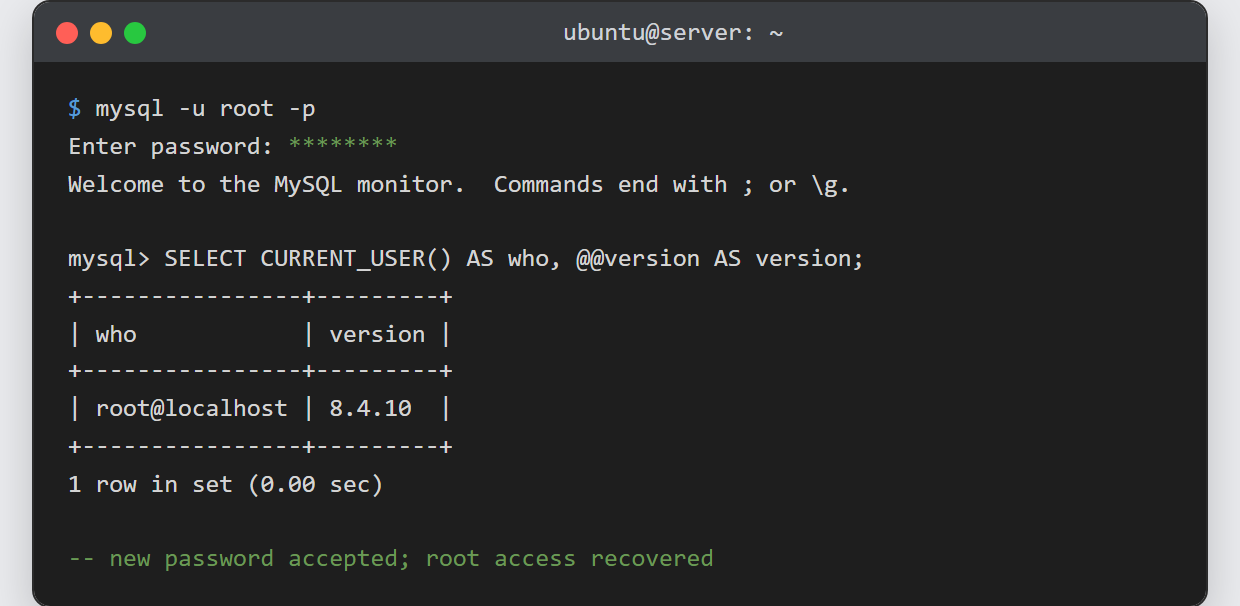
Notes on resetting the MySQL root password:
- Keep the skip-grant window short. While
--skip-grant-tablesis active the server trusts every
connection, so always pair it with--skip-networking. - On MySQL 5.7, replace the
ALTER USERline with
SET PASSWORD FOR 'root'@'localhost' = PASSWORD('...'); the
ALTER USERform is the 8.0+ syntax. - If
ALTER USERfails with an “unknown column” or plugin
error, runFLUSH PRIVILEGESfirst — a skip-grant server
does not load the grant tables until you ask it to. - Watch the account host.
'root'@'localhost'and
'root'@'%'are different accounts; reset the one you actually
log in with. - Once you are back in, tighten access rather than sharing root. Learn to
access the MySQL database from the terminal
with a normal user, and
grant privileges to a MySQL user
scoped to just what each app needs.
