
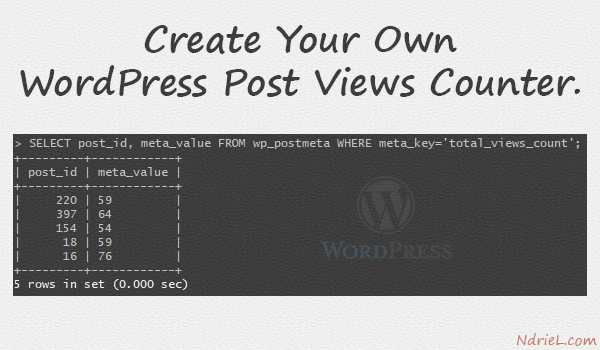
Create your own post views counter in WordPress with no plugin needed. Use the post meta field to store count views of a particular post, and increment it for every page hit.
Requirements:
- WordPress 6.2
Step 1.
Create a new function inside functions.php, and use it as a callback function to the action wp_head hook.
<?php

/**
 * Post views counter.
 */
function hook_counter() {
    if (is_singular('post')) {
        $count = get_post_meta( get_queried_object_id(), 'total_views_count' )[0];
        update_post_meta( get_queried_object_id(), 'total_views_count', ($count+1) );
    }
}

add_action('wp_head', 'hook_counter');
Where.
hook_counter()is the name of the new function.is_singular('post')will determine whether the query is an existing single post.$countis where the current post views count will be temporarily stored.get_post_meta()will retrieve a post meta field (total_views_count) for the given post ID.get_queried_object_id()will retrieve the ID of the currently queried object.update_post_meta()will update the post meta field (total_views_count) based on the given post ID, will increment current count by 1 ($count+1).add_action()will add a callback function to an action hook (wp_head).
Result.
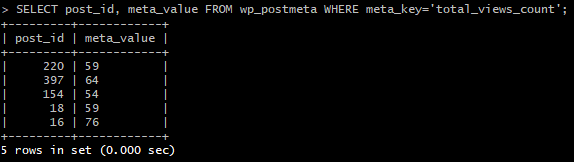
Post count views are now saving, to immediately verify it, make a direct SQL query to your database.
Where.
meta_valueis total post views count.post_idis given post ID.
Notes:
- This tutorial will only save post views count.
- To display the post views count on the posts manage page, read the tutorial Add New Columns To WP Posts Manage Page.

1 comments