
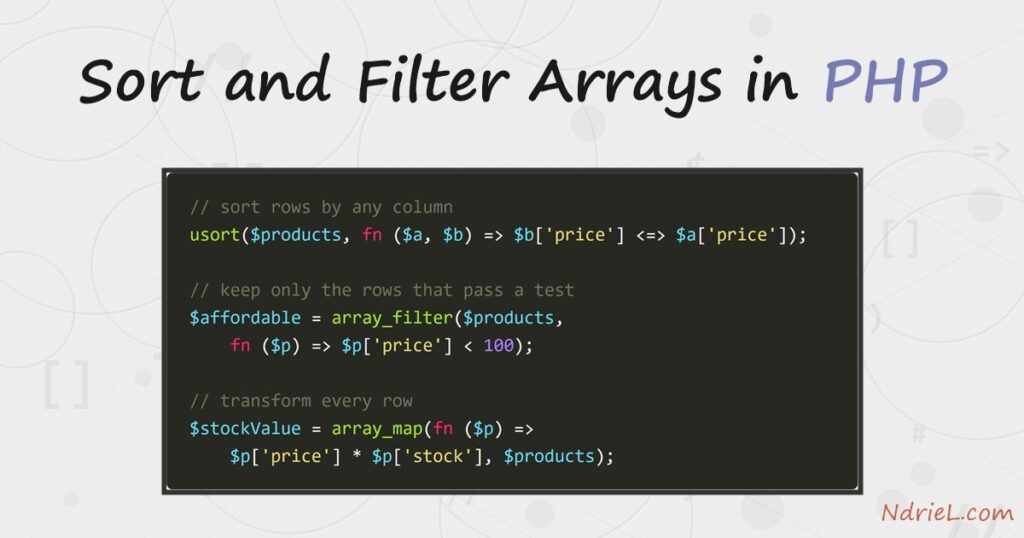
Sort and filter arrays in PHP with the functions built for the job — no hand-rolled loops. This tutorial takes one array of product rows and reshapes it five ways: sort() and rsort() order a flat list, asort() orders values while keeping their keys, usort() sorts rows by any column you choose, array_filter() keeps only the rows that pass a test, and array_map() transforms every row into something new. Finally, array_column() plucks a single field out of every row. These are the same arrays a CSV or JSON import hands you, so the recipes apply the moment data arrives.
Requirements to sort and filter arrays in PHP:
- PHP 7.4 or newer — tested on PHP 8.5.7 from the command line. In addition, every function here is core PHP; nothing to install.
How To Sort and Filter the Arrays in PHP.
The objective is to answer real questions about a product list — cheapest to dearest, most expensive first, which cost under 100, what each line of stock is worth — each with one function call.
Step 1.
First, the data. Save this as arrays.php; each row is an associative array, exactly the shape you get, for example, from a database fetch or a parsed CSV line.
$products = [
    ['name' => 'Standing Desk',       'category' => 'Desks',       'price' => 412.50, 'stock' => 5],
    ['name' => 'Mechanical Keyboard', 'category' => 'Keyboards',   'price' => 89.00,  'stock' => 24],
    ['name' => '27-inch Monitor',     'category' => 'Monitors',    'price' => 249.00, 'stock' => 11],
    ['name' => 'Desk Lamp',           'category' => 'Lighting',    'price' => 34.99,  'stock' => 40],
    ['name' => 'Wireless Mouse',      'category' => 'Accessories', 'price' => 19.95,  'stock' => 60],
];
Step 2.
Next, sort a flat list. sort() orders values ascending and rsort() descending — both work in place and re-number the keys. When the keys carry meaning, use asort() instead: it sorts the values but keeps each value glued to its key (ksort() is its sibling that sorts by the keys themselves).
$prices = array_column($products, 'price');
sort($prices);    // 19.95, 34.99, 89, 249, 412.5
rsort($prices);   // 412.5, 249, 89, 34.99, 19.95

$stockByName = array_column($products, 'stock', 'name');
asort($stockByName);
print_r($stockByName);
Array
(
[Standing Desk] => 5
[27-inch Monitor] => 11
[Mechanical Keyboard] => 24
[Desk Lamp] => 40
[Wireless Mouse] => 60
)Step 3.
Then, sort rows by a column with usort(). You supply the rule as a comparator function, and the spaceship operator <=> does the three-way comparison. Swapping $a and $b flips the direction, so as written, the priciest row comes first.
usort($products, function ($a, $b) {
    return $b['price'] <=> $a['price'];
});
most expensive first:
Standing Desk 412.50
27-inch Monitor 249.00
Mechanical Keyboard 89.00
Desk Lamp 34.99
Wireless Mouse 19.95Step 4.
Now filter. array_filter() calls your test for every row and keeps the rows where it returns true. However, it preserves the original keys — wrap the result in array_values() if you need a clean 0,1,2… sequence afterwards.
$affordable = array_filter($products, function ($p) {
    return $p['price'] < 100;
});
under 100:
Mechanical Keyboard
Desk Lamp
Wireless MouseStep 5.
Transform with array_map(). Instead of changing the original, it builds a new array by passing every row through your function — here, turning each product into a name plus the value of its stock on the shelf.
$stockValue = array_map(function ($p) {
return ['name' => $p['name'], 'value' => $p['price'] * $p['stock']];
}, $products);stock value per product:
Standing Desk 2062.50
27-inch Monitor 2739.00
Mechanical Keyboard 2136.00
Desk Lamp 1399.60
Wireless Mouse 1197.00Step 6.
Finally, pluck one field from every row with array_column(). One call replaces a whole foreach, and an optional third argument (used in Step 2) also sets another column as the keys.
$names = array_column($products, 'name');
echo implode(' | ', $names);Result when you sort and filter arrays in PHP.
Once you run arrays.php from the terminal, it prints every reshaped view of the same five rows — sorted flat, sorted by column, filtered, transformed, and plucked. This is the real output from PHP 8.5.7:
sorted prices: 19.95, 34.99, 89, 249, 412.5
reversed: 412.5, 249, 89, 34.99, 19.95
most expensive first:
Standing Desk 412.50
27-inch Monitor 249.00
Mechanical Keyboard 89.00
under 100:
  Mechanical Keyboard
  Desk Lamp
  Wireless Mouse
names: Standing Desk | 27-inch Monitor | Mechanical Keyboard | ...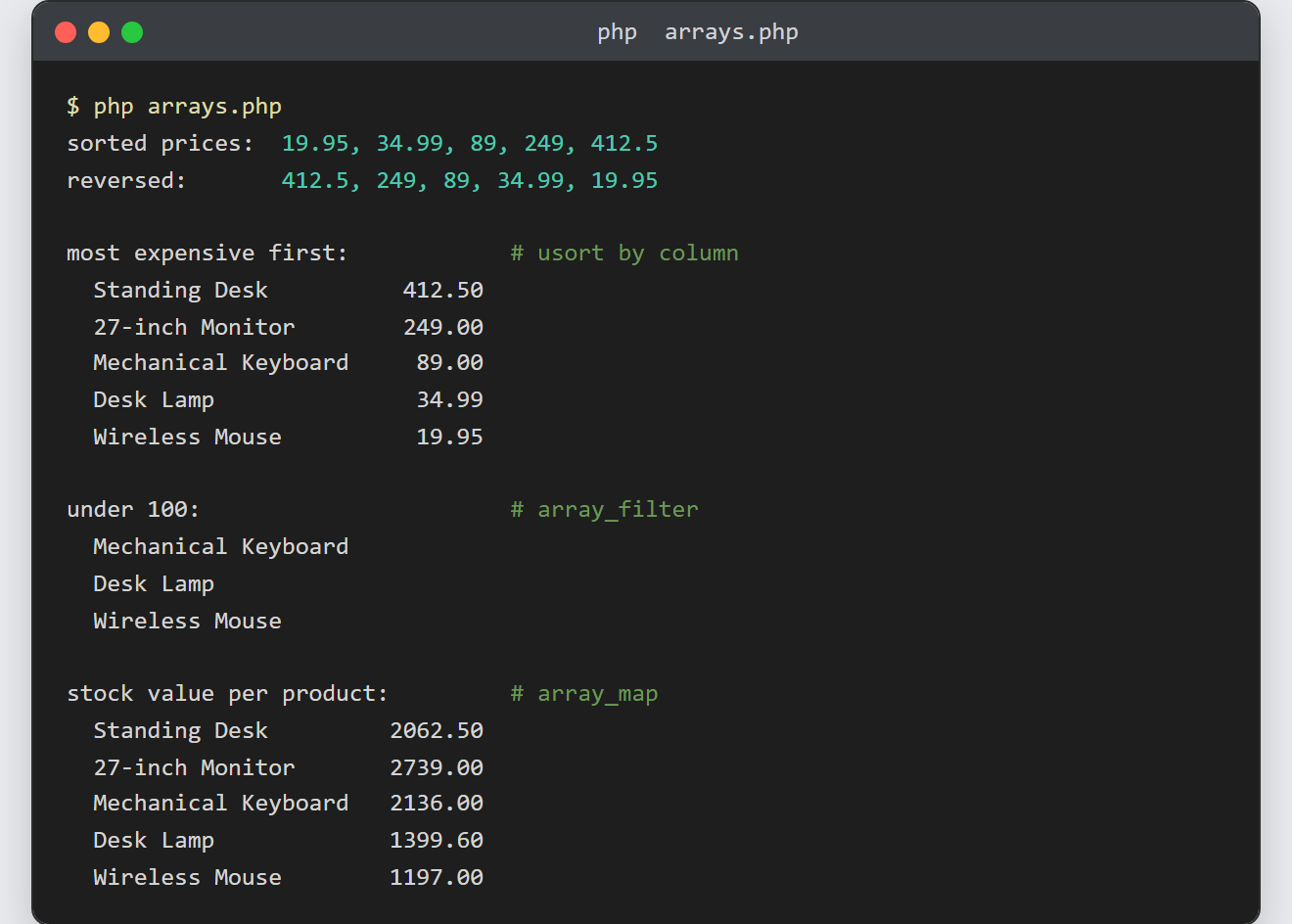
Notes on how to sort and filter arrays in PHP:
- Sorts mutate, transforms copy.
sort(),rsort(),asort()andusort()change the array you pass in and returntrue. In contrast,array_filter(),array_map()andarray_column()leave the original untouched and return a new array. - Also, arrow functions shorten every callback here:
array_filter($products, fn ($p) => $p['price'] < 100). - Sorting strings that contain numbers?
sort($files, SORT_NATURAL)orders img2 before img10; the default string sort does not. - To sort by two columns, compare the second when the first ties:
return [$a['category'], $a['price']] <=> [$b['category'], $b['price']];— the spaceship compares arrays element by element. - These functions pick up right where parsing leaves off — the row arrays here are exactly what you get after reading a CSV file in PHP or parsing a JSON file.
