
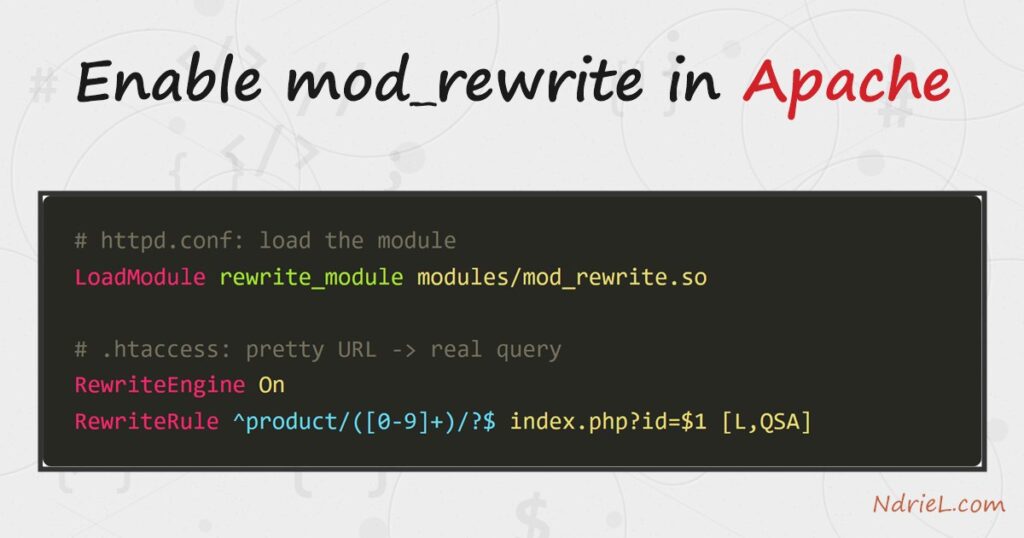
Enable mod_rewrite in Apache to turn ugly query strings into clean, readable URLs. The module rewrites an incoming path like /product/42 into a real request such as index.php?id=42, without the visitor ever seeing the change. This tutorial does it in three parts: load the module, allow .htaccess overrides, then add one RewriteRule. By the end, a pretty URL maps straight to a PHP script, which is the same technique that powers WordPress and Laravel routing.
Requirements for mod_rewrite:
- Apache 2.4 (tested on Apache 2.4.68) with access to httpd.conf and permission to restart the server.
- A site directory Apache serves, where you can add an .htaccess file.
- PHP for the example target (tested on PHP 8.5.7); any handler works, though.
How To Enable mod_rewrite.
The objective is to serve a script from a clean URL. A request for /product/42 should run index.php with the id 42, while the address bar keeps the tidy path.
Step 1.
First, load the module. Open httpd.conf and remove the leading # from this line, then save.
LoadModule rewrite_module modules/mod_rewrite.soOn Debian or Ubuntu the module is a separate package step instead. Run sudo a2enmod rewrite, which enables it for you. Either way, restart Apache so the change takes effect.
httpd -k restartTo confirm the module is active, list the loaded modules and look for rewrite_module.
httpd -M | grep rewriteStep 2.
Next, allow .htaccess to hold rewrite rules. In the <Directory> block for your site root, set AllowOverride to All. Without this, Apache ignores every .htaccess file, so the rule in the next step would do nothing.
<Directory "C:/Apache24/htdocs/shop">
    AllowOverride All
    Require all granted
</Directory>
Restart Apache once more after saving this change.
Step 3.
Then, create the rewrite rule. In your site root, add a file named .htaccess with the following. The pattern captures the digits after /product/ and hands them to index.php as the id query parameter.
RewriteEngine On

# Turn a pretty URL like /product/42 into index.php?id=42.
RewriteRule ^product/([0-9]+)/?$ index.php?id=$1 [L,QSA]
The parts read left to right. ^product/([0-9]+)/?$ matches the path and captures one or more digits. Then index.php?id=$1 is the real target, where $1 is the captured number. Finally the flags: L stops processing further rules, and QSA keeps any existing query string.
Step 4.
Finally, add the target script. Save this as index.php in the same folder, then visit /product/42 in a browser.
<?php
$products = [
    1  => 'Aeron Chair',
    7  => 'Desk Lamp',
    42 => 'Standing Desk',
];

$id = isset($_GET['id']) ? (int) $_GET['id'] : 0;

if (isset($products[$id])) {
    echo "Product #{$id}: {$products[$id]}";
} elseif ($id > 0) {
    http_response_code(404);
    echo "Product #{$id} not found.";
} else {
    echo 'Home page. Try /product/42';
}
Result of enabling mod_rewrite.
The browser requests /product/42, and Apache quietly rewrites it to index.php?id=42. As a result, the script looks up id 42 and prints the product name, while the address bar still shows the clean path:
Product #42: Standing Desk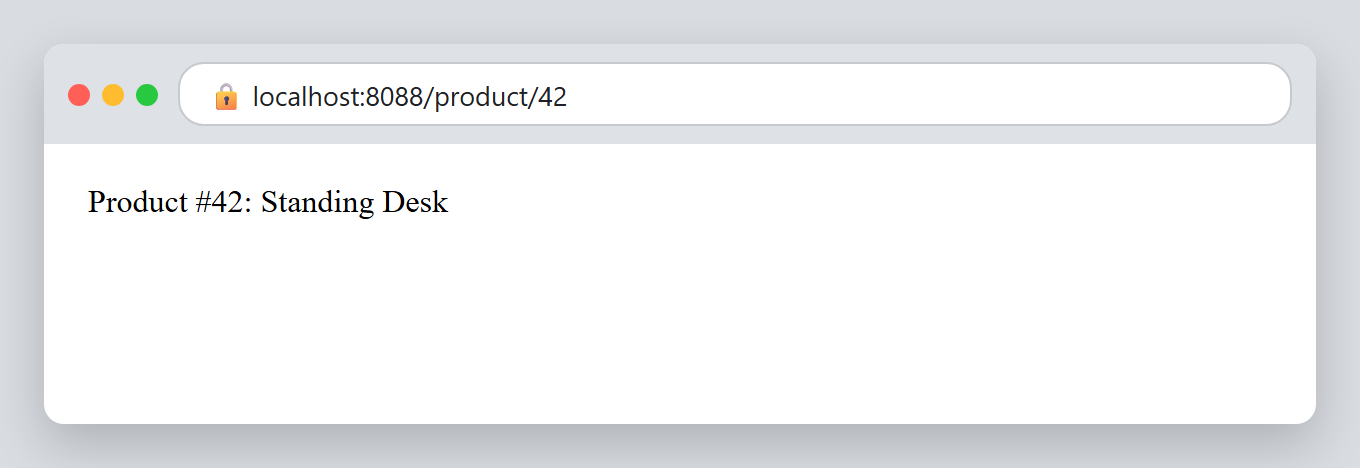
Notes on mod_rewrite:
- Rules in httpd.conf versus .htaccess. The same
RewriteRuleworks inside a<Directory>or<VirtualHost>block in the main config, which is faster because Apache reads it once at startup. Use .htaccess when you cannot edit the main config, such as on shared hosting. - A 500 error usually means the module is off. If the page returns “Internal Server Error” after adding the rule, mod_rewrite is not loaded or
AllowOverrideis stillNone. Recheck Steps 1 and 2. - Restart after config changes, not after .htaccess edits. Apache reads .htaccess on every request, so rule changes there are live at once. Changes to httpd.conf always need a restart.
- Front controllers build on this. A single catch-all rule that sends every unknown path to index.php is how frameworks route requests. It is also the base for a later redirect from HTTP to HTTPS.
- This lives in the same config file you may already use to password-protect your Apache server. If you are unsure which Apache build you run, first check your Apache, MySQL, and PHP versions.
