
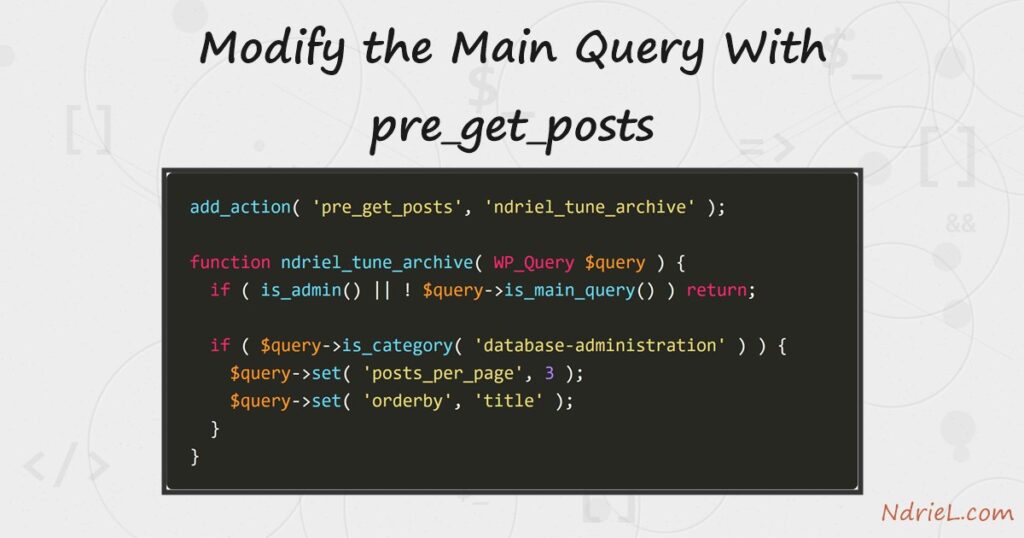
Modify the main query with pre_get_posts and WordPress fetches exactly the posts a page should show, before it fetches anything. The hook hands you the WP_Query object while WordPress is still building it, so a call to $query->set() changes the query itself. First, this tutorial guards the hook so it fires only where you mean it to. Next, it changes how many posts an archive lists and how WordPress orders them. Finally, it adds a custom post type to an archive that would otherwise ignore it.
Requirements to modify the main query with pre_get_posts:
- WordPress 6.0 or newer (tested on WordPress 7.0.3). The hook itself is far older and has not changed.
- A child theme’s functions.php, or a small plugin. Never edit a parent theme directly, because an update overwrites it.
- An archive with enough posts to page through. The examples use a category holding sixteen.
How To Modify the Main Query With pre_get_posts.
The objective is to change one archive without touching a template. WordPress runs the main query for you on every page, so the wrong instinct is to replace it. A second WP_Query in the template does not fix pagination and quietly runs the original query anyway. Instead, adjust the query WordPress already planned to run.
Step 1.
First, hook the action and guard it. Both checks below are mandatory, and leaving either one out is the classic mistake.
add_action( 'pre_get_posts', 'ndriel_tune_category_archive' );

function ndriel_tune_category_archive( WP_Query $query ) {

    if ( is_admin() || ! $query->is_main_query() ) {
        return;
    }

    // changes go here
}
pre_get_posts fires for every query, including the sidebar widgets, the menu, and the post list in wp-admin. Consequently, an unguarded hook can reorder your dashboard or break a widget. is_admin() keeps the change on the front end, while $query->is_main_query() ignores every secondary loop.
Step 2.
Next, target one archive and change it. Conditional tags exist on the query object, so call them there rather than globally.
if ( $query->is_category( 'database-administration' ) ) {
    $query->set( 'posts_per_page', 3 );
    $query->set( 'orderby', 'title' );
    $query->set( 'order', 'ASC' );
}
Use $query->is_category(), not the global is_category(). At the time this hook runs, WordPress has not finished deciding what the page is, so the global conditionals do not yet answer reliably. The method on the object always answers correctly.
Step 3.
Then, load the page and check the pagination. This is where the difference from a custom WP_Query shows up.
Category: Database Administration

  Access MySQL Database From Terminal
  Add a Column to a MySQL Table With ALTER TABLE
  Add a Foreign Key in MySQL

  [1] 2 … 6  Next »
Sixteen posts at three per page produce six pages, and WordPress worked that out by itself. Because you changed the main query rather than adding a second one, paginate_links(), the page title, and the /page/2/ URLs all stay correct for free.
Step 4.
Custom post types are missing from date, author and category archives unless you ask for them. $query->set() fixes that in one line.
if ( $query->is_home() ) {
    $query->set( 'post_type', array( 'post', 'book' ) );
}
You must register the post type with 'public' => true for this to work; registering a custom post type in WordPress covers that step. Also, note that a custom type only appears in a category archive when it actually shares that taxonomy.
Step 5.
Finally, know the other setters worth reaching for. Each one maps to a standard WP_Query argument.
$query->set( 'posts_per_page', -1 );                    // every post
$query->set( 'orderby', 'meta_value_num' );            // sort by a custom field
$query->set( 'meta_key', 'price' );
$query->set( 'category__not_in', array( 12 ) );        // hide a category
$query->set( 'ignore_sticky_posts', true );
You can set anything WP_Query accepts here. However, use posts_per_page => -1 sparingly on a public archive, because it loads every matching post into memory at once.
Result when you modify the main query with pre_get_posts.
The category archive now lists three posts in alphabetical order, and the pagination has grown from three pages to six. No template file changed. This is the real archive on WordPress 7.0.3, with the hook active:
before:  6 posts per page, newest first
         Add a Column to a MySQL Table With ALTER TABLE
         Import a CSV Into MySQL With LOAD DATA INFILE
         Group and Aggregate Rows With GROUP BY in MySQL
         …

after:   3 posts per page, title ascending
         Access MySQL Database From Terminal
         Add a Column to a MySQL Table With ALTER TABLE
         Add a Foreign Key in MySQL
         [1] 2 … 6  Next »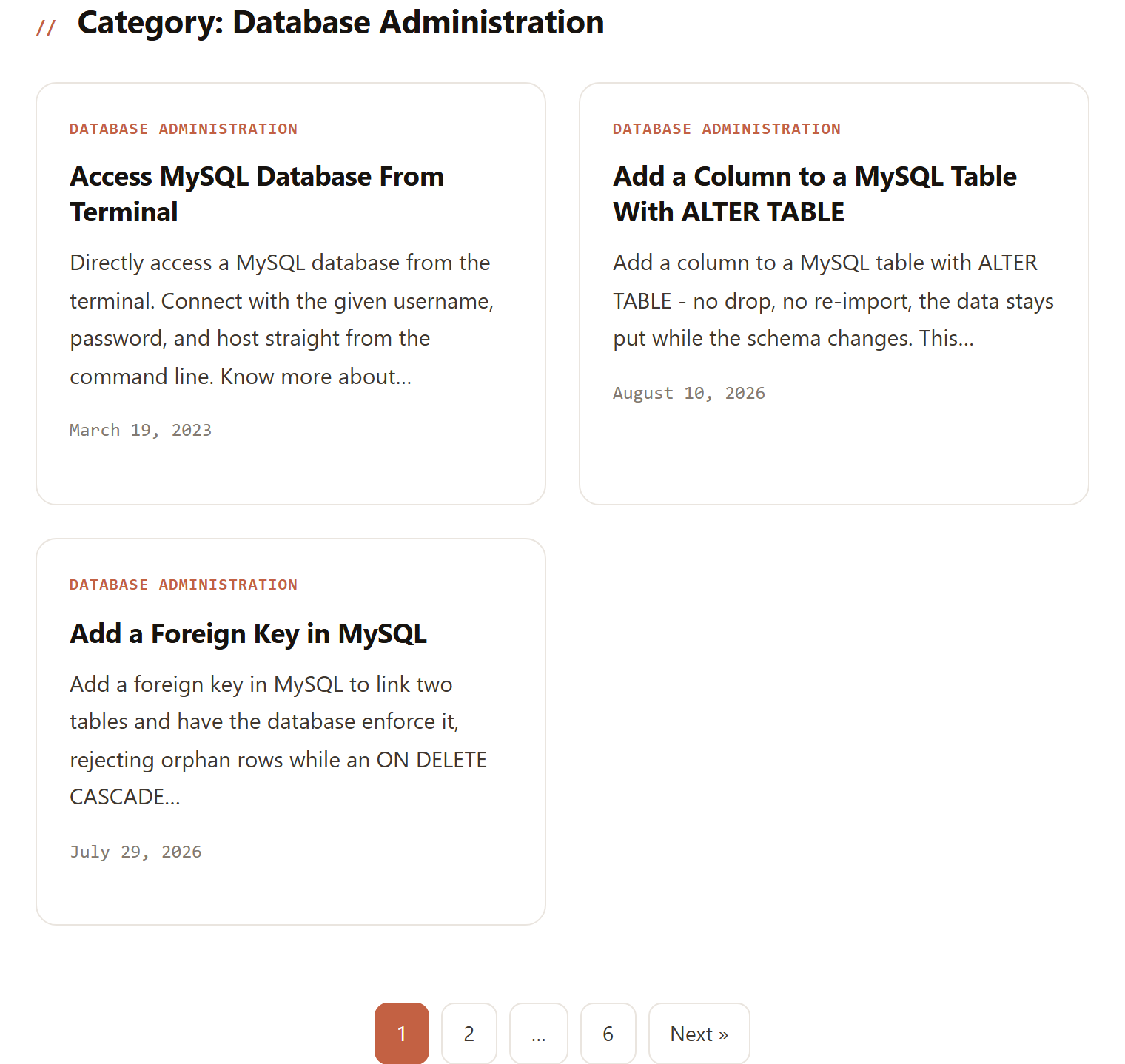
Notes on how to modify the main query with pre_get_posts:
- Guard every hook. Without
is_admin()andis_main_query(), the change leaks into widgets, menus and the admin post list. Most “my dashboard is sorted wrong” reports trace back to this. query_posts()does a similar job, but never reach for it. It throws away the main query and rebuilds it, which breaks pagination and conditional tags. This hook is its supported replacement.- Return early rather than nesting deeply. A hook that runs on every query is worth keeping cheap, so bail out as soon as the page is not the one you want.
- To read a value instead of setting one, use
$query->get( 'posts_per_page' ). That is useful when you want to adjust an existing value rather than replace it. - The hook pairs naturally with a bespoke template. For example, a custom page template can render an archive you tuned here, or a WordPress shortcode can reuse its output.
- Sorting by
meta_value_numwithout also settingmeta_keysilently does nothing. Set both, or the archive comes back in its default order.
