
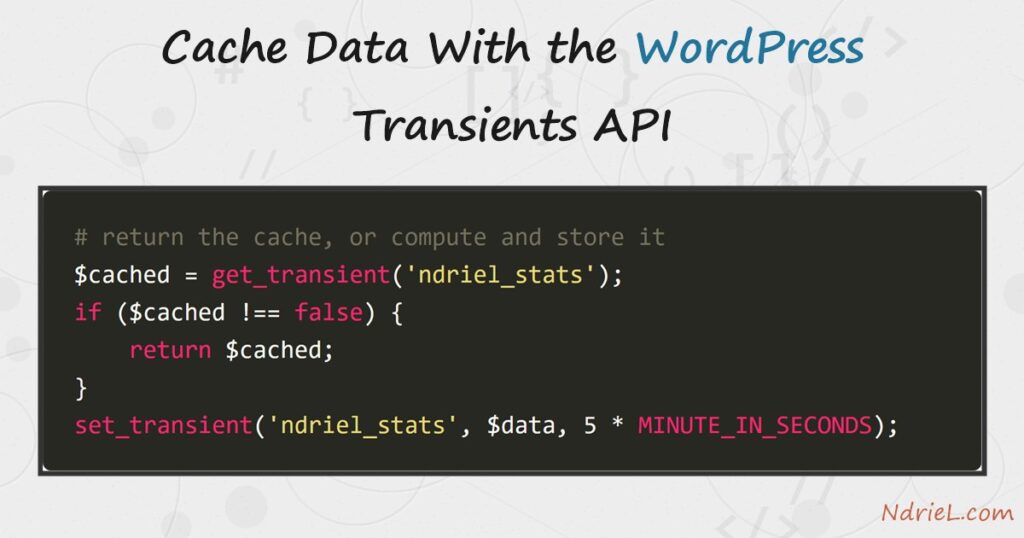
The Transients API is WordPress’s built-in cache for expensive results — a slow database query, a remote API call, a heavy calculation. You cache data with the Transients API by storing a value under a name with an expiry using set_transient(), then reading it back with get_transient(); on a miss it returns false and you recompute. This tutorial wraps a slow operation in a cached helper and measures the difference between the first call and the cached one.
Requirements to use the Transients API:
- WordPress 6.0 or newer (tested on WordPress 7.0.2). The Transients API is part of core.
- Access to your theme’s functions.php or a plugin file.
- PHP 7.4 or newer — the version your WordPress already runs on.
How To Cache Data With the Transients API.
The objective is to compute a value once, store it for a set time, and serve the stored copy on every request until it expires — turning a slow operation into an instant one.
Step 1.
First, try to read the cache. get_transient() takes a unique key and returns the stored value, or false if nothing is cached or it has expired. That false is your signal to do the expensive work. Test with === false, because a legitimately cached 0 or empty string is also “falsy”.
$cached = get_transient('ndriel_stats');

if ($cached !== false) {
    return $cached;   // cache hit — done
}
Step 2.
Next, on a miss, do the work and store it. set_transient() takes the key, the value, and an expiry in seconds. WordPress ships time constants — MINUTE_IN_SECONDS, HOUR_IN_SECONDS, DAY_IN_SECONDS — so an expiry reads clearly. Here the “slow” work is a wp_count_posts() call stood in for a real query.
$data = (int) wp_count_posts()->publish;   // the expensive result

set_transient('ndriel_stats', $data, 5 * MINUTE_IN_SECONDS);
Step 3.
Then, combine the two halves into one helper. The pattern is always the same: return the cache if present, otherwise compute, store, and return. Every caller now gets a fast answer without knowing whether it came from the cache.
function ndriel_get_stats() {
    $cached = get_transient('ndriel_stats');
    if ($cached !== false) {
        return $cached;
    }

    // Pretend this is an expensive query or remote API call.
    $data = (int) wp_count_posts()->publish;

    set_transient('ndriel_stats', $data, 5 * MINUTE_IN_SECONDS);
    return $data;
}
Step 4.
Finally, clear the cache when the underlying data changes, so readers never see a stale value. delete_transient() removes it immediately, and the next call recomputes. Hook it to whatever event invalidates the data — here, publishing or deleting a post.
add_action('save_post', function () {
    delete_transient('ndriel_stats');
});
add_action('deleted_post', function () {
    delete_transient('ndriel_stats');
});
Result of the Transients API cache.
The first call finds nothing cached, runs the slow work, and stores it. Every call after that returns the stored value until the five minutes pass — so the second call skips the work entirely. Timing the two calls shows the payoff. This is the real output from WordPress 7.0.2:
First call : 64 published posts  (computed, 419 ms)
Second call: 64 published posts  (cache,     0 ms)
Notes on the Transients API:
- Always compare with
=== false. A cached value of0,'', or an empty array is falsy, so a loose check would recompute every time and defeat the cache. - An expiry of
0means the transient never expires on its own — you must then delete it manually. Prefer a real timeout so a forgotten transient cannot go stale forever. - Transients are not guaranteed to persist for the full time. Without a persistent object cache they live in the options table and can be cleared early; with one (Redis, Memcached) they live in memory and never hit the database.
- Keep keys short and unique — 172 characters max. Prefix them (
ndriel_) so they cannot collide with another plugin’s. - Transients suit any recomputable value: a post views counter rollup, or metadata you would otherwise fetch with get_post_meta() on every load.
