
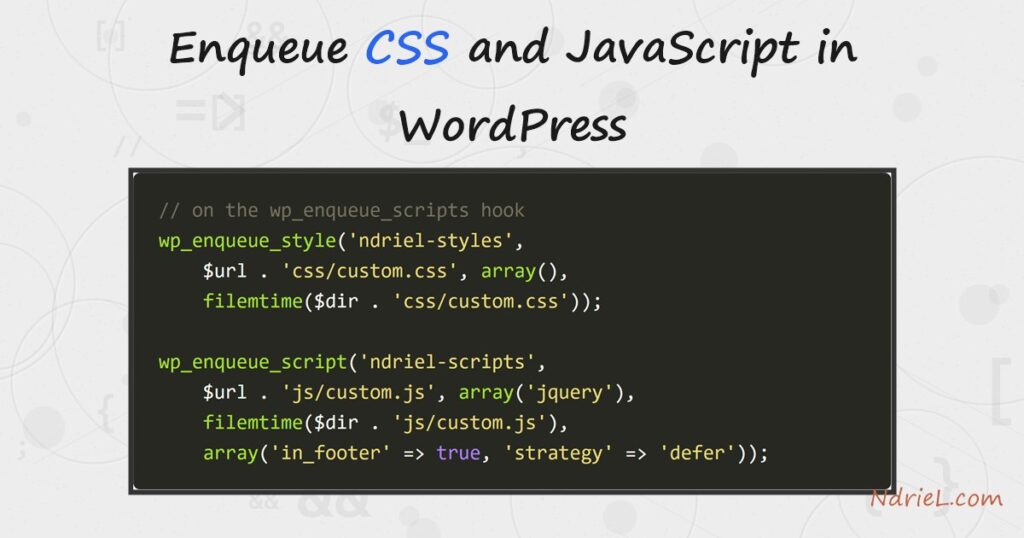
Dropping a <link> or <script> tag straight into your theme’s header works until two plugins load jQuery twice and everything breaks. WordPress has a proper way to add stylesheets and scripts: you enqueue them with wp_enqueue_style() and wp_enqueue_script() on the wp_enqueue_scripts hook, and WordPress handles the ordering, de-duplication, dependencies, and cache-busting for you. This tutorial builds a small plugin to enqueue CSS and JavaScript — a stylesheet and a script, the script depending on jQuery and loading in the footer — and versions both with filemtime() so browsers refetch them the moment you edit a file.
Requirements to enqueue CSS and JavaScript:
- WordPress 6.3 or newer (tested on WordPress 7.0.2 — the
$argsarray with'strategy'needs 6.3+). - PHP 7.4 or newer — the version your WordPress already runs on.
- Access to the wp-content/plugins folder, or a child theme whose functions.php you can edit.
How To Enqueue CSS and JavaScript in WordPress.
The objective is to enqueue CSS and JavaScript on the front end the correct way — one stylesheet and one script, with a dependency, a footer placement, and automatic versioning — and prove both arrived.
Step 1.
Never hardcode asset tags. Instead, register a callback on the wp_enqueue_scripts action — the hook WordPress fires when it is deciding which front-end assets to print. Create a folder wp-content/plugins/ndriel-assets and, inside it, a file ndriel-assets.php:
<?php
/**
 * Plugin Name: NdrieL Assets
 * Description: Enqueues a stylesheet and a script the correct way.
 * Version:     1.0.0
 */

// Exit if accessed directly.
if (!defined('ABSPATH')) {
    exit;
}

function ndriel_enqueue_assets() {
    // enqueue calls go here (Steps 2 and 3)
}
add_action('wp_enqueue_scripts', 'ndriel_enqueue_assets');
Using the hook — rather than echo-ing a tag — is what lets WordPress place the file correctly, skip it if another component already loaded the same handle, and resolve dependencies. The same code works in a child theme’s functions.php; a plugin just keeps the assets loading when you switch themes.
Step 2.
Enqueue the stylesheet with wp_enqueue_style(). Its arguments are a unique handle, the file URL (build it with plugins_url() so it is correct wherever WordPress is installed), an array of dependencies, and a version string. Add this inside ndriel_enqueue_assets():
$dir = plugin_dir_path(__FILE__); // filesystem path, for filemtime()
$url = plugin_dir_url(__FILE__);   // public URL, for the browser

wp_enqueue_style(
    'ndriel-styles',                 // handle (must be unique)
    $url . 'css/custom.css',         // the file's URL
    array(),                         // dependencies (none)
    filemtime($dir . 'css/custom.css') // version = file's last-modified time
);
Passing filemtime() as the version is the trick that ends stale-cache headaches: the version changes automatically every time you save the file, so the browser refetches it — but only then. Never hardcode a version you have to remember to bump.
Step 3.
Enqueue the script with wp_enqueue_script(). Declare jquery as a dependency so WordPress loads its bundled copy first, and pass the $args array to load the script in the footer with a defer strategy — the modern replacement for the old boolean $in_footer parameter:
wp_enqueue_script(
    'ndriel-scripts',                  // handle
    $url . 'js/custom.js',             // the file's URL
    array('jquery'),                   // load jQuery first
    filemtime($dir . 'js/custom.js'),  // auto version
    array(
        'in_footer' => true,           // print before </body>
        'strategy'  => 'defer',        // don't block rendering
    )
);
Because 'jquery' is listed as a dependency, WordPress guarantees jQuery is on the page and printed before your script — you never enqueue jQuery yourself, and it is never loaded twice.
Step 4.
Create the two files the plugin points at. In wp-content/plugins/ndriel-assets/css/custom.css, style a badge:
.ndriel-badge {
    display: inline-block;
    margin: 20px 0;
    padding: 12px 20px;
    background: #c36143;
    color: #fff;
    font: 600 16px/1 system-ui, sans-serif;
    border-radius: 8px;
}
In wp-content/plugins/ndriel-assets/js/custom.js, use jQuery to drop that badge onto the page — proof the script ran and its dependency was met:
jQuery(function ($) {
    $('.wp-site-blocks, body').first().prepend(
        '<div class="ndriel-badge">Assets enqueued successfully ✓</div>'
    );
});
Step 5.
Activate NdrieL Assets on the Plugins screen in wp-admin, then load any front-end page. WordPress prints your stylesheet in the <head> and your script before </body>, jQuery ahead of it.
Result of enqueuing the CSS and JavaScript.
The front page now shows a terracotta badge reading “Assets enqueued successfully ✓”. Its styling came from custom.css and it was injected by custom.js using jQuery — so seeing it, styled, confirms the stylesheet loaded, the script ran, and its jQuery dependency resolved. Viewing the page source shows WordPress printed each asset with the filemtime() version appended:
<link rel='stylesheet' id='ndriel-styles-css' media='all'
      href='http://localhost/mysite/wp-content/plugins/ndriel-assets/css/custom.css?ver=1784442497' />

<script data-wp-strategy="defer" defer id="ndriel-scripts-js"
        src="http://localhost/mysite/wp-content/plugins/ndriel-assets/js/custom.js?ver=1784442505"></script>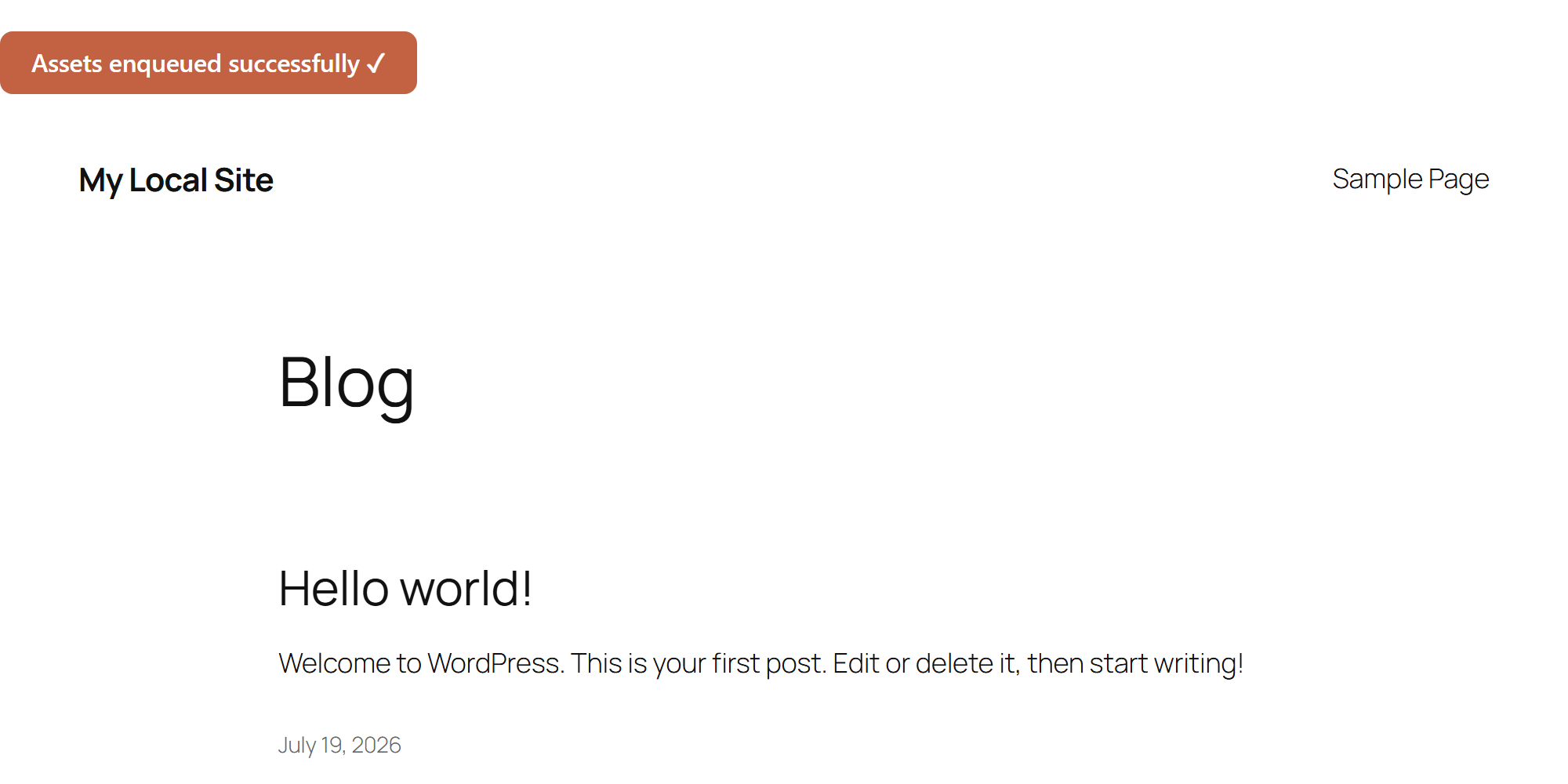
Notes on enqueuing CSS and JavaScript:
- Match the hook to the context:
wp_enqueue_scriptsfor the front end,admin_enqueue_scriptsfor wp-admin, andlogin_enqueue_scriptsfor the login page. Enqueuing on the wrong hook loads nothing. - Load assets only where needed. Wrap the enqueue in a conditional — e.g.
if (is_page('contact'))— so a script for one template does not download on every page. - Need to pass PHP data to your script? Use
wp_add_inline_script()(orwp_localize_script()for older code) to print a JavaScript object before your file, rather than echoing a<script>tag. - The
'strategy' => 'defer'option requires WordPress 6.3+. On older versions, passtrueas the fifth argument instead to load in the footer. - Register once, enqueue many times:
wp_register_script()defines a handle without printing it, so you can enqueue it later by name only. Handy for shared libraries. - Enqueuing is how you ship the front-end code behind a feature. Pair it with a shortcode in WordPress that outputs the markup, or a custom post type whose template needs the assets.
