
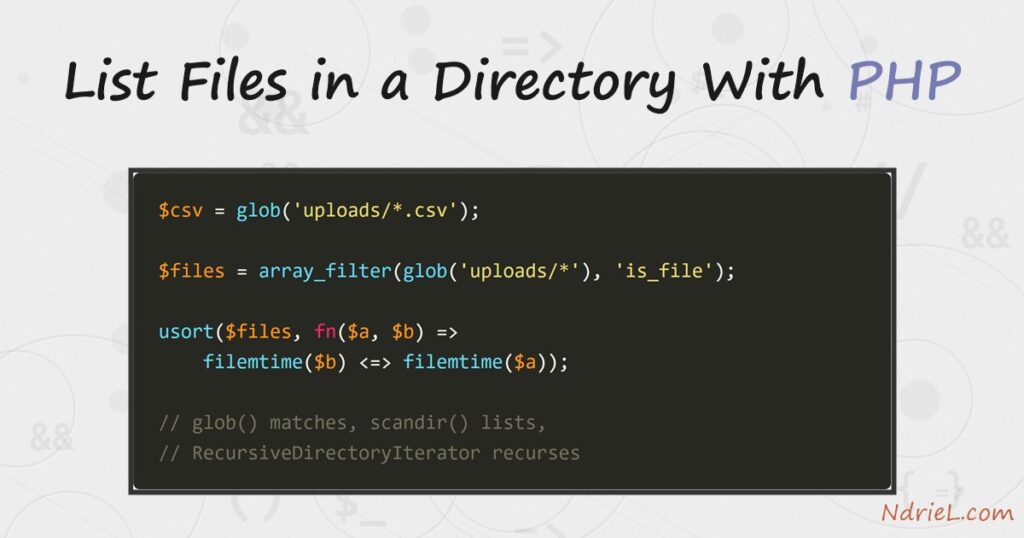
List files in a directory with PHP and an uploads folder stops being a black box. PHP offers three tools for the job, and they are not interchangeable. glob() matches a pattern, scandir() returns every entry, and RecursiveDirectoryIterator walks the sub-folders too. First, this tutorial finds files by extension. Next, it reads each one’s size and modification time. Finally, it recurses through a nested tree and sorts the newest file to the top.
Requirements to list files in a directory:
- PHP 8.0 or newer (tested on PHP 8.3.6, Ubuntu 24.04.4). The functions below are much older, so earlier versions behave the same way.
- A folder with a few files in it. The examples use an uploads folder.
- Read permission on that folder. Without it every function here returns
false.
How To List Files in a Directory With PHP.
The objective is a readable inventory of a folder: which files are there, how big they are, and which one changed last. The examples run against this tree.
uploads/
├── 2026/
│   ├── 07/report-07.csv
│   └── 08/report-08.csv
├── invoice-1001.pdf
├── invoice-1002.pdf
├── logo.png
├── notes.txt
├── sales-february.csv
└── sales-january.csv
Step 1.
First, match a pattern with glob(). It takes a shell-style wildcard and hands back an array of paths, so filtering by extension needs no loop.
<?php
// step1.php - glob() lists the paths that match a pattern.
$csv = glob('uploads/*.csv');

foreach ($csv as $path) {
    echo $path . "\n";
}

echo count($csv) . " CSV files\n";
uploads/sales-february.csv
uploads/sales-january.csv
2 CSV filesNotice two things. The results arrive sorted alphabetically, and they are paths rather than bare names. Also, glob() ignores dotfiles by default, so a stray .htaccess never turns up in the list.
Step 2.
Next, read the whole folder with scandir(). This one hides nothing, which means the current and parent directory entries come back with everything else.
<?php
// step2.php - scandir() returns every entry, including . and ..
$entries = scandir('uploads');
$names = array_diff($entries, ['.', '..']);
foreach ($names as $name) {
$type = is_dir("uploads/$name") ? 'dir ' : 'file';
echo "$type $name\n";
}dir 2026
file invoice-1001.pdf
file invoice-1002.pdf
file logo.png
file notes.txt
file sales-february.csv
file sales-january.csvDrop . and .. or the next loop tries to open the folder itself. scandir() also returns names, not paths, so prefix the directory before calling anything that touches the disk.
Step 3.
Then, ask each file about itself. filesize() and filemtime() read the metadata the filesystem already keeps, so both are cheap.
<?php
// step3.php - read the size and modification time of each file.
foreach (glob('uploads/*') as $path) {
if (!is_file($path)) {
continue;
}
printf("%-22s %8s %s\n",
basename($path),
round(filesize($path) / 1024, 1) . ' KB',
date('Y-m-d H:i', filemtime($path)));
}invoice-1001.pdf 18 KB 2026-08-03 09:14
invoice-1002.pdf 21.5 KB 2026-08-03 16:14
logo.png 9.1 KB 2026-08-04 13:14
notes.txt 0.5 KB 2026-08-04 20:14
sales-february.csv 3.7 KB 2026-08-04 06:14
sales-january.csv 4 KB 2026-08-03 23:14The is_file() guard matters. Without it the loop hits the 2026 folder, and filesize() on a directory reports a meaningless number instead of failing.
Step 4.
A wildcard stops at one level, so uploads/*.csv never sees the reports nested under 2026. Therefore, walk the tree with an iterator instead.
<?php
// step4.php - walk every sub-directory too.
$dir = new RecursiveDirectoryIterator('uploads', FilesystemIterator::SKIP_DOTS);
$all = new RecursiveIteratorIterator($dir);
foreach ($all as $file) {
if ($file->getExtension() !== 'csv') {
continue;
}
echo $file->getPathname() . "\n";
}uploads/sales-january.csv
uploads/2026/07/report-07.csv
uploads/2026/08/report-08.csv
uploads/sales-february.csvFour files this time rather than two. However, look at the order: it is the order the filesystem stores entries in, not alphabetical. The iterator sorts nothing, so sort it yourself when the order is visible to a reader.
Step 5.
Finally, put the newest file first. Each usort() comparison calls filemtime(), and the spaceship operator returns the -1/0/1 the sort expects.
<?php
// step5.php - newest file first.
$files = array_filter(glob('uploads/*'), 'is_file');
usort($files, fn($a, $b) => filemtime($b) <=> filemtime($a));
foreach (array_slice($files, 0, 3) as $path) {
echo date('Y-m-d H:i', filemtime($path)) . ' ' . basename($path) . "\n";
}Swapping $a and $b reverses the order, and array_slice() turns the result into a “3 most recent uploads” panel.
Result when you list files in a directory.
The three approaches answer three different questions, and the output shows which is which. This is the real run on PHP 8.3.6:
$ php step1.php
uploads/sales-february.csv
uploads/sales-january.csv
2 CSV files
$ php step3.php
invoice-1001.pdf          18 KB  2026-08-03 09:14
invoice-1002.pdf        21.5 KB  2026-08-03 16:14
logo.png                 9.1 KB  2026-08-04 13:14
notes.txt                0.5 KB  2026-08-04 20:14
sales-february.csv       3.7 KB  2026-08-04 06:14
sales-january.csv          4 KB  2026-08-03 23:14
$ php step4.php
uploads/sales-january.csv
uploads/2026/07/report-07.csv
uploads/2026/08/report-08.csv
uploads/sales-february.csv
$ php step5.php
2026-08-04 20:14 notes.txt
2026-08-04 13:14 logo.png
2026-08-04 06:14 sales-february.csv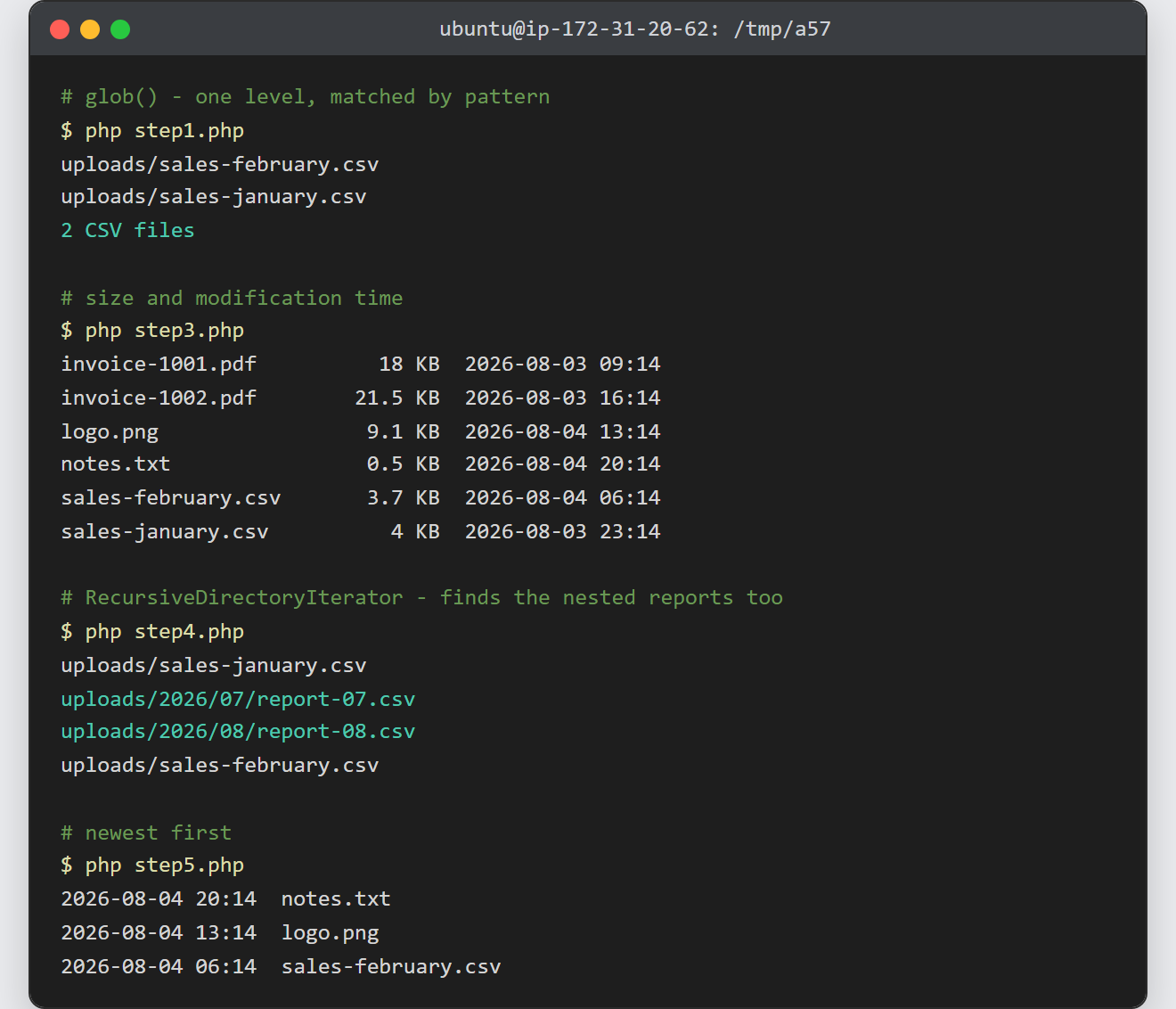
Notes on how to list files in a directory:
- Never pass user input straight into a path. A value such as
../../etcwalks out of your folder. Run the input throughbasename(), then confirm the resolvedrealpath()still starts with the directory you meant. glob()returns an empty array when nothing matches, butfalseon error. As a result,foreachover the raw return can warn; assign it first and check.- The pattern accepts more than
*. For example,uploads/*.{jpg,png}with theGLOB_BRACEflag matches two extensions at once. - Sizes come back in bytes, so divide for KB or MB. The listing pairs naturally with sorting and filtering arrays in PHP once the result grows past a screenful.
- Large folders are the one real trap.
glob()andscandir()both build the whole array in memory, whereasDirectoryIteratoryields one entry at a time. - This is the middle of the file-handling story. The files usually arrive by uploading a file in PHP, and they leave again through a forced file download.
