
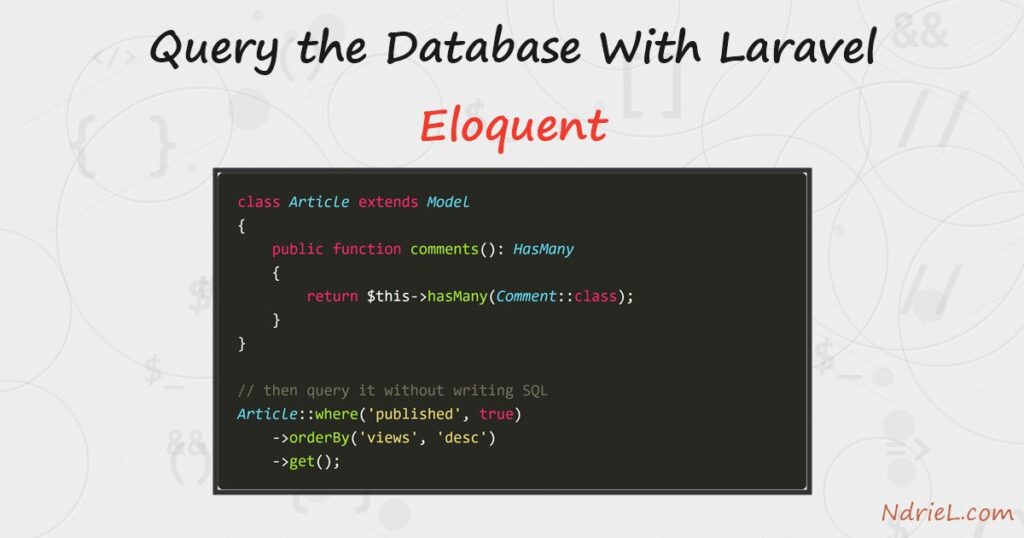
Query the database with Laravel Eloquent by giving each table a model class and calling methods on it instead of writing SQL. Eloquent is Laravel’s ORM: an Article class maps to the articles table, and one row becomes one object. First, you define the model. Next, all(), find() and where() read rows. Then create(), save() and delete() write them. Finally, a hasMany relationship links two tables without a hand-written join.
Requirements to query the database with Laravel Eloquent:
- Laravel 13 (tested on 13.24.0). This API has been stable for many releases.
- PHP 8.3 or newer, which Laravel 13 requires (tested on PHP 8.5.7).
- MySQL 8.0 or newer (tested on MySQL 8.4.10), configured in .env.
- An articles table. Our Laravel database migration tutorial creates the one used here, so run that first.
How To Query the Database With Laravel Eloquent.
The objective is to read, write and relate rows entirely through model classes. We add a comments table, link it to articles both ways, and finish with a delete that takes the comments with it.
Step 1.
First, create the model. Artisan writes it into app/Models, and the -m flag adds a matching migration when you need one.
php artisan make:model Article
php artisan make:model Comment -m
Eloquent guesses the table name by pluralising the class, so Article finds articles with no configuration. Set protected $table only when your table breaks that convention.
Step 2.
Next, describe the comments table in the generated migration. The foreignId() and constrained() pair builds the foreign key, and cascadeOnDelete() makes MySQL clean up child rows.
Schema::create('comments', function (Blueprint $table) {
    $table->id();
    $table->foreignId('article_id')->constrained()->cascadeOnDelete();
    $table->string('author', 80);
    $table->text('body');
    $table->timestamps();
});
Run it with php artisan migrate. Because constrained() reads the column name, it infers the articles table on its own.
Step 3.
Then set up the two models. The $fillable list is what create() is allowed to write, and the relationship methods connect the classes.
<?php
// app/Models/Article.php
namespace App\Models;

use Illuminate\Database\Eloquent\Model;
use Illuminate\Database\Eloquent\Relations\HasMany;

class Article extends Model
{
    protected $fillable = ['title', 'slug', 'body', 'views', 'published', 'published_at'];

    protected $casts = [
        'published'    => 'boolean',
        'published_at' => 'datetime',
    ];

    public function comments(): HasMany
    {
        return $this->hasMany(Comment::class);
    }
}
<?php
// app/Models/Comment.php
namespace App\Models;
use Illuminate\Database\Eloquent\Model;
use Illuminate\Database\Eloquent\Relations\BelongsTo;
class Comment extends Model
{
protected $fillable = ['article_id', 'author', 'body'];
public function article(): BelongsTo
{
return $this->belongsTo(Article::class);
}
}The $casts array earns its place. Without it, published comes back as the integer 1, whereas the cast turns it into a real boolean and published_at into a Carbon date.
Step 4.
Now write some rows. create() inserts and returns the saved model, so its new id is available immediately.
use App\Models\Article;

$article = Article::create([
    'title'        => 'Query the Database With Laravel Eloquent',
    'slug'         => 'eloquent-intro',
    'body'         => 'Eloquent maps a table to a class.',
    'published'    => true,
    'published_at' => now(),
]);

echo $article->id;   // 1

// Creating through the relationship sets article_id for you.
$article->comments()->create(['author' => 'Ada',  'body' => 'Clear explanation, thanks.']);
$article->comments()->create(['author' => 'Alan', 'body' => 'The relationship part helped.']);
Note the second pair of calls. Because they go through $article->comments(), Eloquent fills in article_id, so you never pass the foreign key by hand.
Step 5.
Then read them back. Each of these methods answers a different question, and the last two return a single model rather than a collection.
Article::all();                       // every row, as a collection
Article::find(1);                     // one row by primary key, or null
Article::findOrFail(1);               // same, but throws a 404 when missing
Article::first();                     // the first row
Article::firstWhere('slug', 'second-post');

// Chain conditions, then run the query with get().
Article::where('published', true)
    ->orderBy('views', 'desc')
    ->limit(10)
    ->get();

Article::where('views', '>', 40)->count();
The chain builds the query but does not run it. Nothing reaches MySQL until you call get(), first() or count(), so you can keep adding conditions safely.
One trap deserves attention. find() returns null for a missing id, so Article::find(999)->title crashes. Use findOrFail() in a controller, and Laravel turns the miss into a clean 404.
Step 6.
Next, update and delete. Changing an attribute then calling save() writes only that row, while update() on a query touches every matching row at once.
// One row: change the object, then save it.
$article = Article::find(3);
$article->views = 43;
$article->save();

// Many rows in one statement; returns how many were affected.
$count = Article::where('published', false)->update(['views' => 0]);

// Delete one row.
Article::find(1)->delete();
Keep the difference in mind. save() fires model events and updates updated_at, whereas a mass update() skips both because it never loads the models.
Step 7.
Finally, use the relationships. Reading $article->comments as a property runs the query and caches the result, and with() loads them all up front.
$article = Article::find(1);
$article->comments->count();          // 2
foreach ($article->comments as $comment) {
    echo $comment->author, ': ', $comment->body;
}

// The inverse: from a comment back to its article.
$comment = Comment::first();
echo $comment->article->title;

// Eager load, so 20 articles cost 2 queries instead of 21.
Article::with('comments')->get();
That last line prevents the N+1 problem. Without with(), looping over 20 articles and touching $article->comments fires one extra query per article.
Result of querying the database with Laravel Eloquent.
Run the snippets in php artisan tinker to see each one answer. The reads return the expected rows, the ordered query puts the 43-view post first, and find(999) gives NULL. Meanwhile the relationship walks both directions, and deleting the article takes its two comments with it:
-- Article::all()
  [1] Query the Database With Laravel Eloquent
  [2] Draft Ideas
  [3] Second Published Post

-- where('published', true)->orderBy('views', 'desc')->get()
  Second Published Post                      views=43
  Query the Database With Laravel Eloquent   views=0

-- find() on a missing id returns null
  NULL

-- hasMany: the article's comments
  "Query the Database With Laravel Eloquent" has 2 comments:
    - Ada: Clear explanation, thanks.
    - Alan: The relationship part helped.

-- belongsTo: back the other way
  comment by Ada belongs to "Query the Database With Laravel Eloquent"

-- delete() cascades to the comments
  comments before: 2
  articles after:  2
  comments after:  0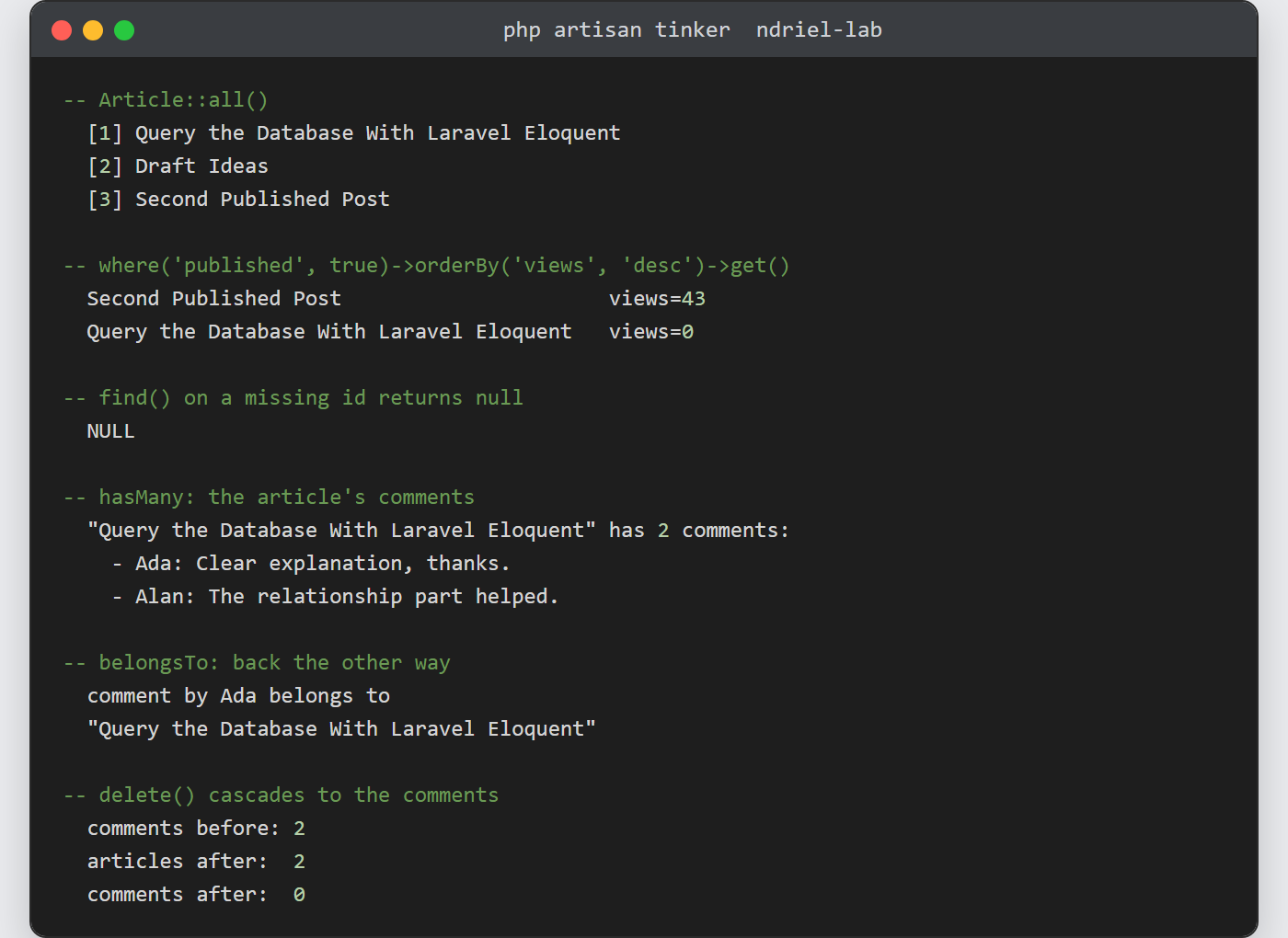
Notes on querying the database with Laravel Eloquent:
- Eloquent binds every value it queries with, so
where('slug', $input)is safe from SQL injection. Raw fragments such aswhereRaw()are the exception, and there you must bind by hand. $fillableis a security control, not a formality. A model with none set rejects mass assignment outright, which stops a crafted form field writing a column you never intended.- Watch for N+1 queries in loops. If a page suddenly issues dozens of statements, add
with()for the relationship you touch inside the loop. - Reach for the query builder or raw SQL when a query gets genuinely complex.
DB::table()skips the model layer, and a heavy report is often clearer as SQL, perhaps behind a view in MySQL. - Inspect the SQL when a result surprises you. Calling
->toSql()on the chain, or->dd()instead ofget(), prints the statement and its bindings.
