
Create an Apache virtual host to serve more than one site from a single Apache install,
each on its own domain name. A virtual host is a <VirtualHost>
block that ties a ServerName to a
DocumentRoot, so a request for example.local serves a
different folder than localhost. This tutorial defines the block, points a hosts-file
entry at it, and reloads Apache so the new site answers.
Requirements to create an Apache virtual host:
- Apache 2.4 (tested on Apache 2.4.68) with permission to edit its config and restart the
server. - A folder for the site’s files, and admin rights to edit the system hosts file.
How To Create an Apache Virtual Host.
The objective is to serve a site from http://example.local out of its own
document root, separate from the default localhost site. The paths below use the
Windows layout under C:/Apache24; on Linux the same directives live in
/etc/apache2/sites-available instead.
Step 1.
First, create the document root and a page to serve. Make a folder for the site and save
an index.html inside it.
<!doctype html>
<html><head><title>example.local</title></head>
<body>
    <h1>Hello from example.local</h1>
    <p>This page is served by its own Apache virtual host.</p>
</body></html>
On Windows put it at C:/Apache24/sites/example-site/index.html; on Linux,
/var/www/example-site/index.html is the usual spot.
Step 2.
Next, enable the virtual-hosts config file. Open httpd.conf and remove the
leading # from this include line, then save.
Include conf/extra/httpd-vhosts.confThat file is where Apache expects your <VirtualHost>
blocks to live. On Debian or Ubuntu there is no include to uncomment; instead you write the
block to /etc/apache2/sites-available/example.local.conf and enable it in Step 4
with a2ensite.
Step 3.
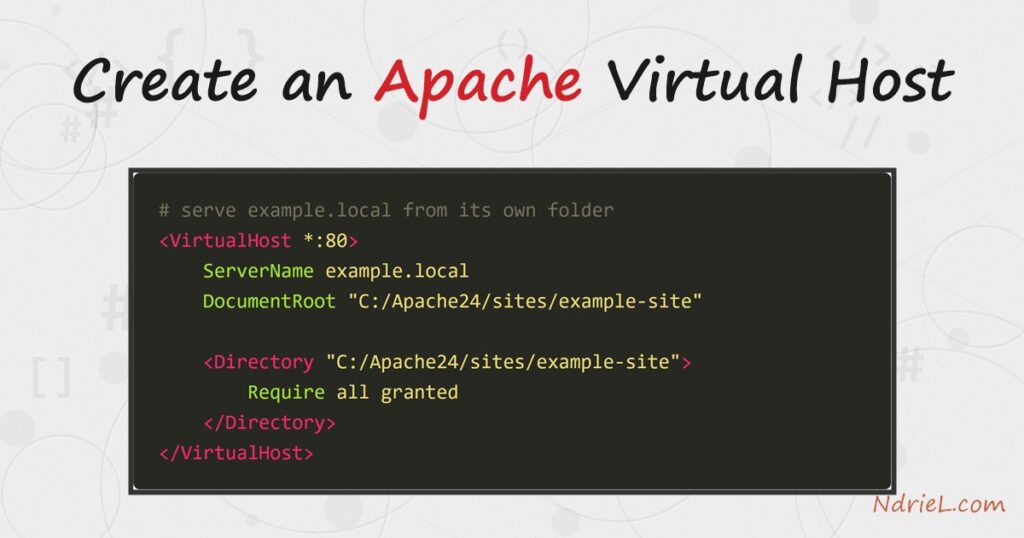
Then, define the virtual host. Open conf/extra/httpd-vhosts.conf and add the
block below. The ServerName is the domain to match, and
DocumentRoot is the folder from Step 1.
<VirtualHost *:80>
    ServerName example.local
    DocumentRoot "C:/Apache24/sites/example-site"

    <Directory "C:/Apache24/sites/example-site">
        Require all granted
    </Directory>
</VirtualHost>
The <Directory> block grants access to the folder;
without Require all granted, Apache 2.4 answers every request
with 403 Forbidden. Add a second block with a different
ServerName and root for each extra site you host.
Step 4.
Next, map the domain to your machine. A made-up name like example.local has no
DNS, so point it at your own computer by adding a line to the hosts file
(C:/Windows/System32/drivers/etc/hosts on Windows,
/etc/hosts on Linux).
127.0.0.1 example.localOn Debian or Ubuntu, also enable the site now with
sudo a2ensite example.local, which links the config into the
active set.
Step 5.
Finally, reload Apache so it reads the new block. Check the config for typos first, then
restart.
httpd -t
httpd -k restart
On Linux the equivalent is sudo apachectl configtest
followed by sudo systemctl reload apache2. Now open
http://example.local in a browser.
Result of creating the Apache virtual host.
Once reloaded, Apache matches the requested host name against each ServerName,
finds example.local, and serves that block’s document root. As a result, the browser
shows the page from Step 1, and the response carries a 200 OK
from Apache/2.4.68. The transcript below is a real request against the new host:
$ curl -I http://example.local/
HTTP/1.1 200 OK
Date: Sun, 19 Jul 2026 12:48:25 GMT
Server: Apache/2.4.68 (Win64)
Content-Length: 177
Content-Type: text/html

Hello from example.local
This page is served by its own Apache virtual host.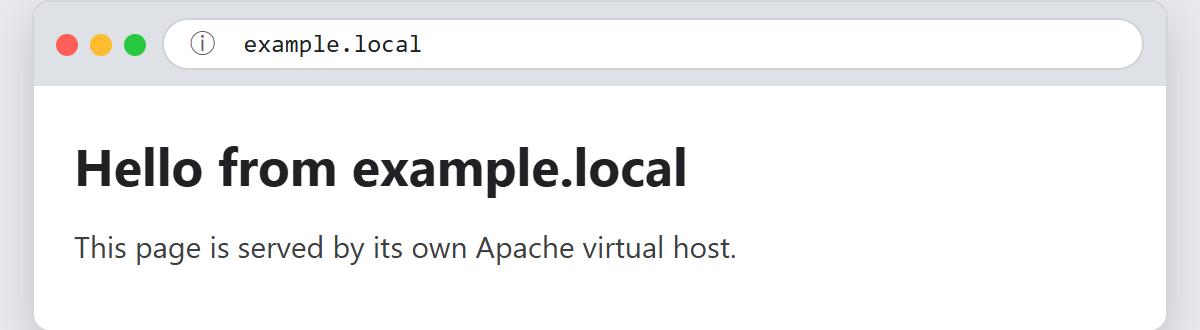
Notes on creating an Apache virtual host:
- The first virtual host is the default. When a request’s host name matches no
ServerName, Apache serves the first block in the file, so
order matters. - Use
ServerAliasfor extra names. For instance, adding
ServerAlias www.example.localinside the block makes one host
answer to several domains. - Keep the hosts-file entry and the
ServerNameidentical.
In fact, a mismatch is the most common reason a new virtual host loads the wrong site or the
default one. - Run
httpd -Sto list every virtual host Apache has
parsed and see which one is the default. It is the fastest way to debug an overlap. - Once a virtual host serves your site, you can build on it: for example,
password-protect your Apache server
per site, or install WordPress locally on Windows
in the new document root.
