
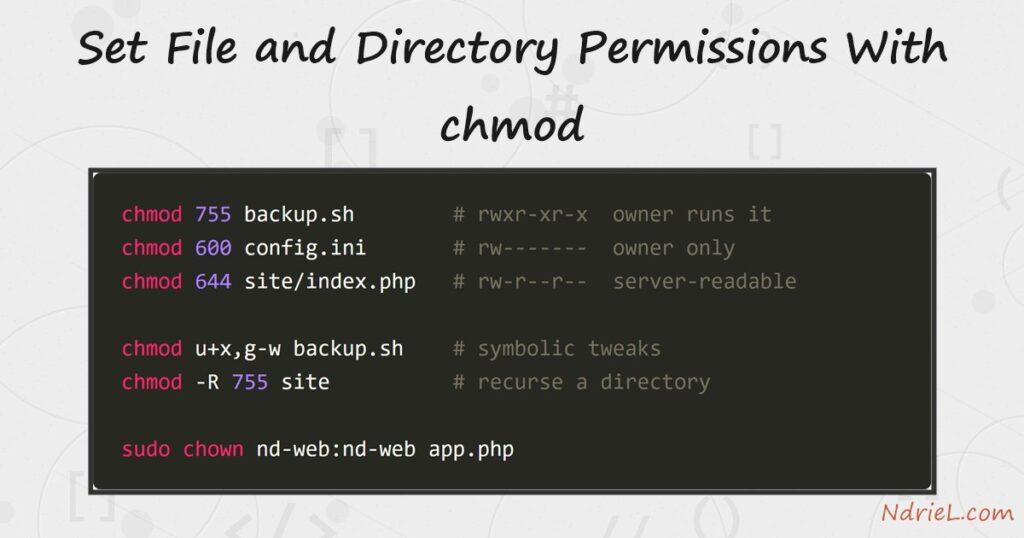
Set file and directory permissions with chmod and you control exactly who can read, write, or execute anything on a Linux server. Permissions come in three trios — owner, group, others — and chmod sets them either as octal digits like 755 or as symbols like u+x. First, this tutorial decodes the ls -l permission string. Next, it applies the three numeric modes that cover most real work. Then it makes targeted symbolic tweaks, recurses over a directory, and hands ownership to the web user with chown. Everything below is a real run on Ubuntu 24.04.
Requirements to set file permissions with chmod:
- Any Linux (tested on Ubuntu 24.04 LTS) or macOS terminal. chmod and chown are core utilities; only chown needs sudo.
- A scratch directory to practice in — the examples use /tmp/permdemo, so nothing important is ever touched.
How To Set the File Permissions With chmod.
The objective is to give three files the permissions their jobs demand: a script the owner can run (755), a config file nobody else can read (600), and a web page the server may serve but not change (644).
Step 1.
First, read what is already there. Create the practice files, then list them — the first column is the permission string.
mkdir -p /tmp/permdemo/site && cd /tmp/permdemo
echo "backup"   > backup.sh
echo "secret=1" > config.ini
echo " site/index.php
ls -l backup.sh config.ini site/index.php
-rw-rw-r-- 1 ubuntu ubuntu 7 Aug 7 11:34 backup.sh
-rw-rw-r-- 1 ubuntu ubuntu 9 Aug 7 11:34 config.ini
-rw-rw-r-- 1 ubuntu ubuntu 14 Aug 7 11:34 site/index.phpRead -rw-rw-r-- in chunks of three after the file-type dash: owner rw-, group rw-, others r--. Each letter is worth a number — read 4, write 2, execute 1 — so rw- is 6 and this string is 664.
Step 2.
Next, set the three classic modes numerically. One digit per trio, owner-group-others: 755 means the owner has everything and everyone else may read and execute; 600 locks a file to its owner; 644 is the standard for content the web server serves.
chmod 755 backup.sh
chmod 600 config.ini
chmod 644 site/index.php
ls -l backup.sh config.ini site/index.php
-rwxr-xr-x 1 ubuntu ubuntu 7 Aug 7 11:34 backup.sh
-rw------- 1 ubuntu ubuntu 9 Aug 7 11:34 config.ini
-rw-r--r-- 1 ubuntu ubuntu 14 Aug 7 11:34 site/index.phpStep 3.
Then, adjust single bits symbolically when you do not want to restate the whole mode. The letters pick who (u owner, g group, o others, a all) and the operator adds or removes (+, -) a right. For example, stripping the group write bit and others’ read bit:
chmod u+x,g-w backup.sh
chmod o-r config.ini
To see any file’s mode as a number rather than a string, ask stat:
stat -c "%a %n" backup.sh config.ini site/index.php755 backup.sh
600 config.ini
644 site/index.phpStep 4.
Now handle directories. A directory needs the execute bit just to be entered, so directories take 755 where files take 644. The -R flag applies a mode down the whole tree.
chmod -R 755 site
ls -ld site site/index.php
drwxr-xr-x 2 ubuntu ubuntu 4096 Aug 7 11:34 site
-rwxr-xr-x 1 ubuntu ubuntu 14 Aug 7 11:34 site/index.phpNotice the catch: recursion gave the file execute rights it should not have. The clean fix on a real tree is two passes — find site -type d -exec chmod 755 {} + for directories, then find site -type f -exec chmod 644 {} + for files.
Step 5.
Finally, set the owner. Web servers run as their own account, so deployed files belong to that user — here the site user is nd-web. chown user:group sets both at once, and chgrp changes just the group.
cp site/index.php app.php && chmod 644 app.php
sudo chown nd-web:nd-web app.php
ls -l app.php
-rw-r--r-- 1 nd-web nd-web 14 Aug 7 11:34 app.phpResult of setting the file permissions with chmod.
Each file now carries exactly the rights its role needs — and the same ls -l string that started as -rw-rw-r-- everywhere now reads differently per file. This is the real output from Ubuntu 24.04:
-rwxr-xr-x 1 ubuntu ubuntu  backup.sh       (755: owner runs it)
-rw------- 1 ubuntu ubuntu  config.ini      (600: owner only)
-rw-r--r-- 1 nd-web nd-web  app.php         (644: server-owned, world-readable)
drwxr-xr-x 2 ubuntu ubuntu  site            (755: enterable directory)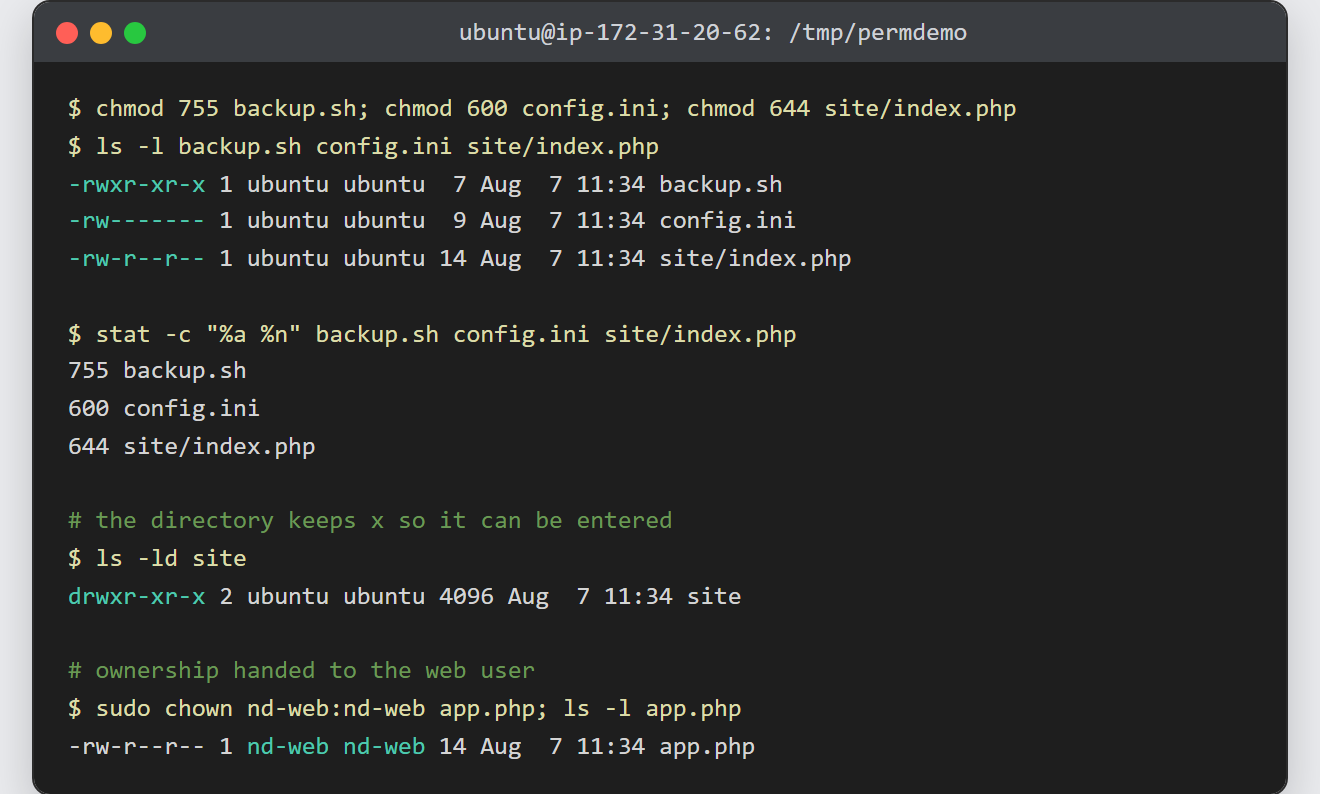
Notes on file permissions with chmod:
- New files are born from the umask. This shell’s umask of
0002is why every file in Step 1 started as664— the umask’s bits are subtracted from 666 (files) and 777 (directories). - Never reach for
chmod 777to fix a web error — it lets any local process rewrite your code. The real fix is almost always ownership: give the files to the server’s user, as in Step 5, and keep 644/755. - Only the file’s owner or root may change its permissions, and changing ownership always needs root — hence sudo on
chown. - Wrong permissions are the classic reason a PHP file upload cannot write its target directory. Similarly, your key file must be
600before you can connect to a remote server using SSH keys — SSH refuses a world-readable key outright.
