
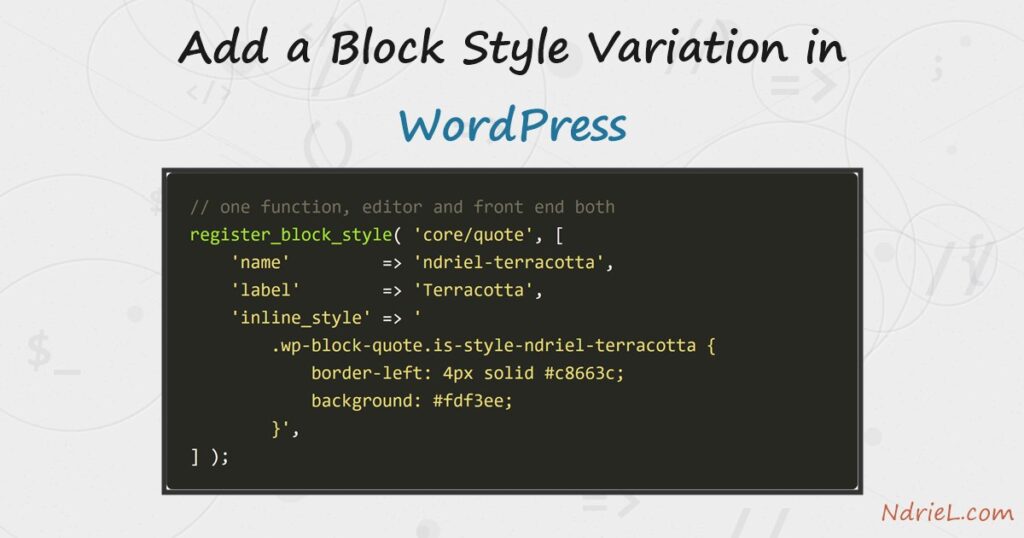
A block style variation adds a named look to a block that already exists, without writing a new block at all. First, register_block_style() names the variation and attaches its CSS. Next, WordPress adds an is-style-* class to the block when an author picks it. Then the editor lists the variation in the block’s Styles panel. Finally, the same class renders on the front end, so one small function covers both sides.
This closes the block series. Earlier parts built a custom Gutenberg block without a build step and registered a block pattern in WordPress.
Requirements for a block style variation:
- WordPress 6.7 or newer (tested on WordPress 7.0.4).
- PHP 8.0 or newer (tested on PHP 8.5.7).
- A plugin or theme functions.php that can hook
init. - No JavaScript, and no build step.
How To Add a Block Style Variation in WordPress.
The objective is a Terracotta style for the core Quote block. Authors pick it from the sidebar, and the quote takes the site’s accent colours.
Step 1.
First, register the style on the init hook. The name becomes the CSS class, while the label is what authors read.
add_action( 'init', function () {
	register_block_style( 'core/quote', array(
		'name'  => 'ndriel-terracotta',
		'label' => 'Terracotta',
	) );
} );
That alone puts Terracotta in the sidebar. However it has no CSS yet, so picking it changes nothing visible.
Step 2.
Next, attach the CSS. The inline_style key takes a plain string, so a small variation needs no stylesheet file.
register_block_style( 'core/quote', array(
	'name'         => 'ndriel-terracotta',
	'label'        => 'Terracotta',
	'inline_style' => '
		.wp-block-quote.is-style-ndriel-terracotta {
			border-left: 4px solid #c8663c;
			background: #fdf3ee;
			padding: 1rem 1.5rem;
			font-style: normal;
		}

		.wp-block-quote.is-style-ndriel-terracotta cite {
			color: #8a5136;
		}
	',
) );
Note the class name. WordPress prefixes the registered name with is-style-, which produces is-style-ndriel-terracotta. Because WordPress loads this CSS in the editor too, the canvas matches the front end.
Step 3.
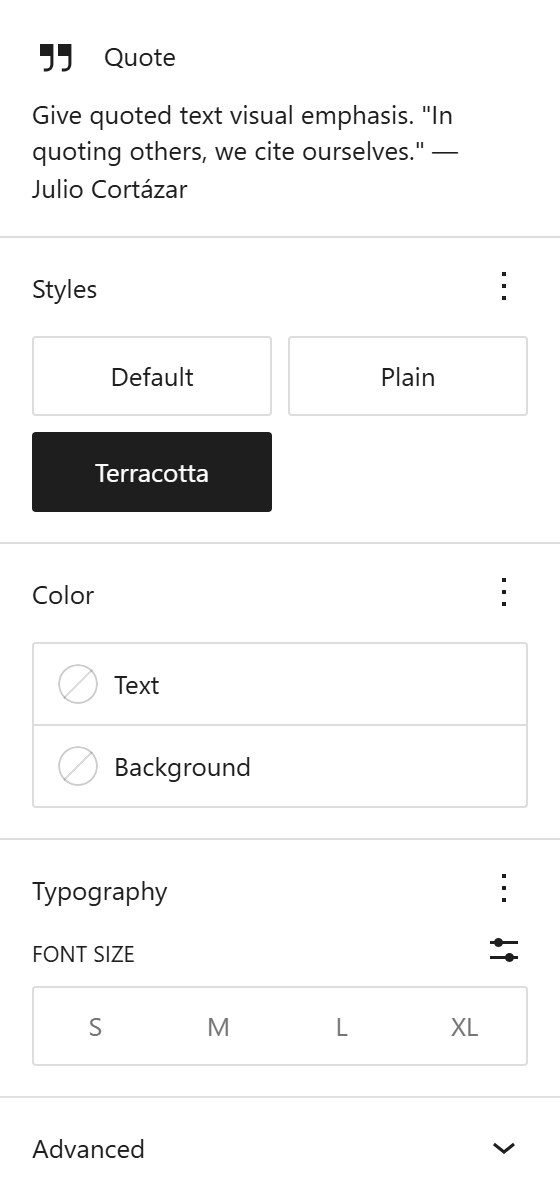
Then select a Quote block in the editor. The Styles panel now offers three choices, and the chosen one is highlighted.
Use style_handle instead of inline_style when the CSS grows. It names an already-registered stylesheet, which keeps large rules out of the page head.
Result of the block style variation.
Picking the style only adds a class, so the saved markup stays ordinary block HTML.
<!-- wp:quote {"className":"is-style-ndriel-terracotta"} -->
<blockquote class="wp-block-quote is-style-ndriel-terracotta">
<!-- wp:paragraph -->
<p>State the concrete version you tested against.</p>
<!-- /wp:paragraph -->
<cite>ndriel.com house style</cite></blockquote>
<!-- /wp:quote -->
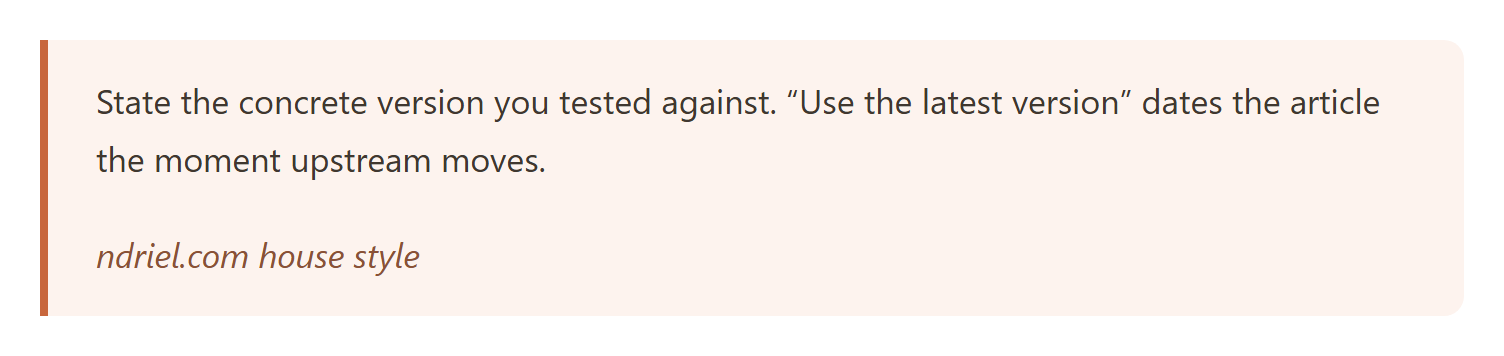
On the front end the class picks up the registered CSS.
Notes on the block style variation:
- Remove a core style with
unregister_block_style(). That call must run later than the registration it removes, so hook it with a lower priority. - A variation only adds a class. Therefore it cannot change the block’s markup or add fields; that needs a real block, as in part one of this series.
- Set
'is_default' => trueto make your variation the one new blocks start with. - Keep the CSS specific to the
is-style-*class. Styling.wp-block-quotedirectly would change every quote, not just the ones the author opted in. - Variations suit small, repeatable looks. For a whole arrangement of blocks, a block pattern fits better.
