
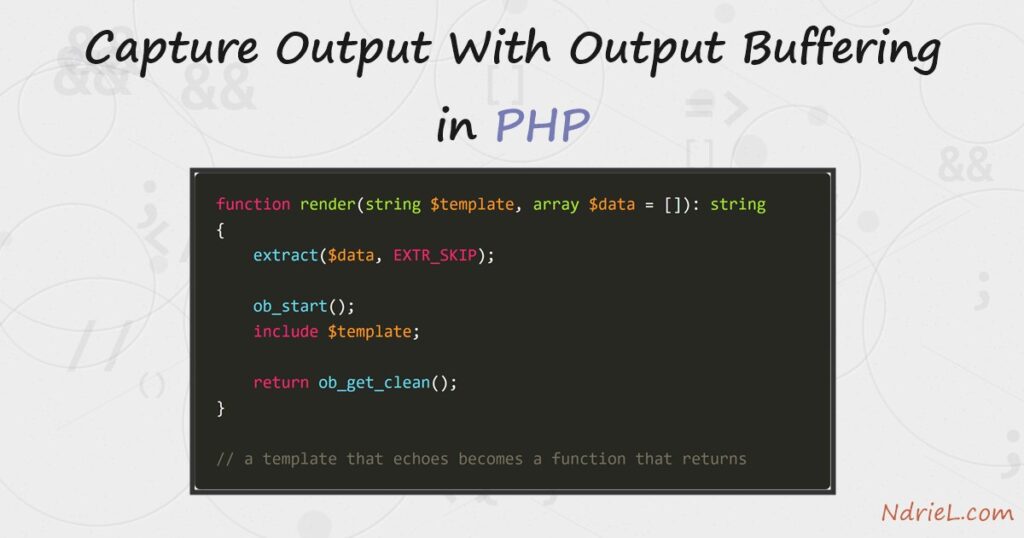
Output buffering catches everything a PHP script would print, holds it in memory, and hands it back as a string. First, ob_start() opens the buffer and ob_get_clean() returns what landed in it. Next, that pair turns a template that echoes into a function that returns — which is exactly what a WordPress shortcode needs. Then the buffer fixes the headers already sent warning, because nothing reaches the browser until you let it. Finally, a callback rewrites the whole page on its way out. This tutorial runs on the command line, then over HTTP for the header case.
Requirements for output buffering in PHP:
- PHP 8.0 or newer (tested on PHP 8.5.7). The
ob_*functions are part of core, so there is nothing to install. - A terminal to run the script, and a web server for step 4.
- Nothing else. Buffering is a PHP feature, not a library.
How To Capture Output With Output Buffering in PHP.
The objective is to stop echo from being the end of the story. A buffer intercepts it, so the same template can be printed, returned, edited or thrown away.
Step 1.
First, open a buffer and read it back. Between the two calls, every byte the script prints goes to memory instead of the screen.
ob_start();

echo "Hello from inside the buffer.";

$captured = ob_get_clean();

echo "captured " . strlen($captured) . " bytes, nothing printed yet\n";
echo "now printing it: " . strtoupper($captured) . "\n";
captured 29 bytes, nothing printed yet
now printing it: HELLO FROM INSIDE THE BUFFER.Notice the order. The greeting appears last, in upper case, because the script — not echo — decided when and how to print it.
Step 2.
Next, turn a template into a string. A partial like price-card.php echoes markup, because that is what templates do.
<div class="price-card">
<h3><?php echo htmlspecialchars($plan); ?></h3>
<p class="price"><?php echo number_format($price, 2); ?> EUR</p>
</div>So wrap the include in a buffer and the markup comes back as a value.
function render(string $template, array $data = []): string
{
extract($data, EXTR_SKIP);
ob_start();
include $template;
return ob_get_clean();
}
$html = render(__DIR__ . '/price-card.php', ['plan' => 'Starter', 'price' => 19.5]);<div class="price-card">
<h3>Starter</h3>
<p class="price">19.50 EUR</p>
</div>
-> render() returned a 88-byte stringThat is the whole trick behind template engines. Because render() returns, the caller can cache the string, wrap it, test it, or hand it to a function that must not print.
Step 3.
Then, learn the four ways out, since mixing them up is the usual bug.
ob_get_clean()— return the contents and close the buffer. The one you want most of the time.ob_get_contents()— read without closing, so the buffer keeps collecting.ob_end_clean()— close and throw the contents away.ob_end_flush()— close and print the contents after all.
Buffers also nest, and ob_get_level() counts them. Each call therefore acts on the innermost one only.
ob_start();
echo "outer ";
ob_start();
echo "inner";
echo "\nlevels while nested: " . ob_get_level() . "\n";
$inner = ob_get_contents();
ob_end_clean();
$outer = ob_get_clean();inner buffer held: 'inner
levels while nested: 2
'
outer buffer held: 'outer'
levels after cleaning: 0Step 4.
Now fix the classic warning. A header must go out before any body, so a single stray echo above setcookie() breaks it.
<?php
echo "<p>Welcome back.</p>\n";
setcookie('seen_banner', '1', time() + 86400);HTTP/1.1 200 OK
X-Powered-By: PHP/8.5.7
Content-type: text/html; charset=UTF-8
<p>Welcome back.</p>
<br />
<b>Warning</b>: Cannot modify header information - headers already sent by
(output started at C:\ob-demo\headers-bad.php:2) in <b>C:\ob-demo\headers-bad.php</b> on line <b>3</b><br />There is no Set-Cookie header in that response, because PHP had already sent the body. Buffer the output and the cookie survives.
<?php
ob_start();
echo "<p>Welcome back.</p>\n";
setcookie('seen_banner', '1', time() + 86400);
ob_end_flush();HTTP/1.1 200 OK
X-Powered-By: PHP/8.5.7
Set-Cookie: seen_banner=1; expires=Wed, 12 Aug 2026 03:53:49 GMT; Max-Age=86400
Content-type: text/html; charset=UTF-8
<p>Welcome back.</p>The difference also shows in the browser. Both pages greet the visitor, yet only the unbuffered one prints PHP’s complaint underneath it:
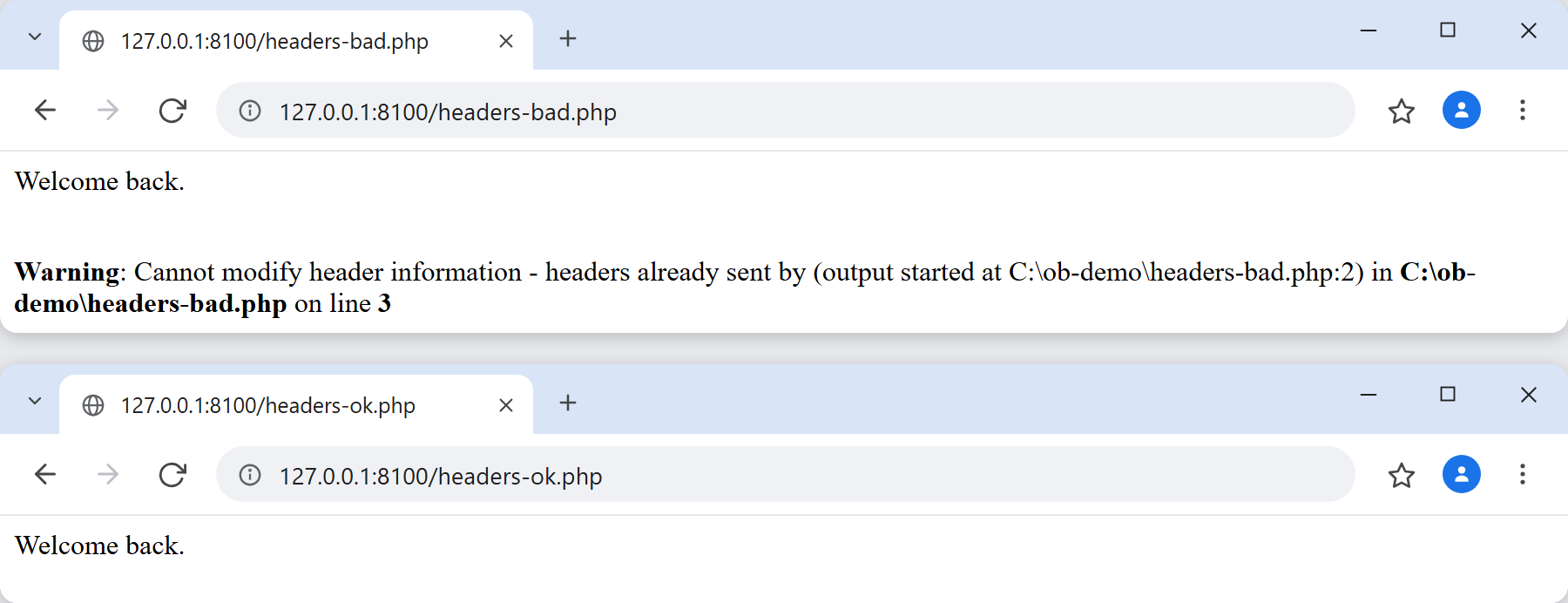
Treat that as a rescue, however, and not as a licence. The real fix is to send headers before you print anything.
Step 5.
Finally, hand ob_start() a callback. PHP passes the finished output through it, and whatever the callback returns is what the visitor gets.
ob_start(fn(string $out): string => str_replace('EUR', '€', $out));
echo render(__DIR__ . '/price-card.php', ['plan' => 'Starter', 'price' => 19.5]);
ob_end_flush();<div class="price-card">
<h3>Starter</h3>
<p class="price">19.50 €</p>
</div>Minifiers, HTML post-processors and page caches all work this way. The callback must return a string, though, and it must never echo — it is running while the buffer closes.
Result of the output buffering example.
The script prints nothing until it chooses to, and each buffer closes at the level it opened. This is the real output from PHP 8.5.7:
=== step 1: capture an echo ===
captured 29 bytes, nothing printed yet
now printing it: HELLO FROM INSIDE THE BUFFER.
=== step 2: a template that returns ===
<div class="price-card">
    <h3>Starter</h3>
    <p class="price">19.50 EUR</p>
</div>
-> render() returned a 88-byte string
=== step 3: levels and the two-step read ===
inner buffer held: 'inner
levels while nested: 2
'
outer buffer held: 'outer'
levels after cleaning: 0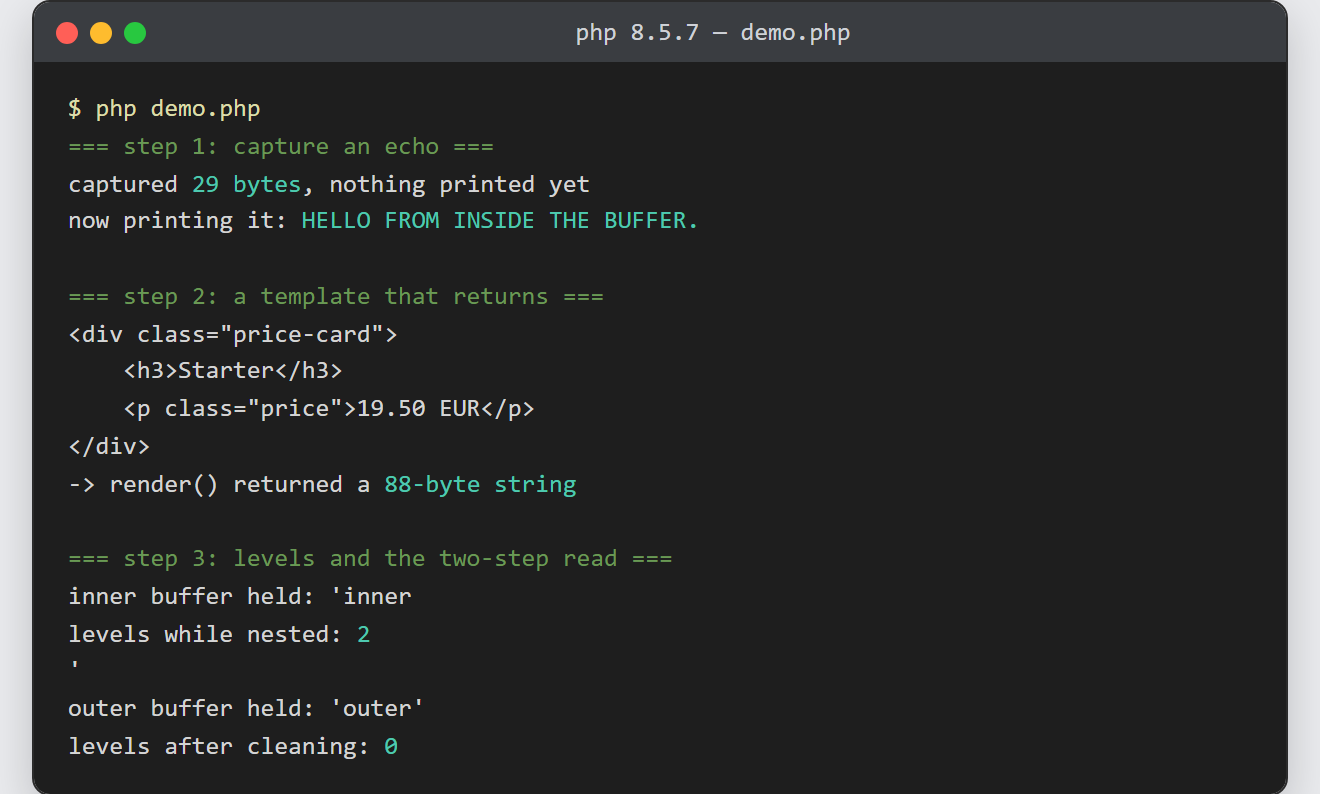
Notes on output buffering in PHP:
- Close every buffer you open. PHP flushes whatever is still open at the end of the request, so a forgotten
ob_start()does not lose your page — it just prints it somewhere you did not intend. Compareob_get_level()before and after when output goes missing. - The
output_bufferingsetting in php.ini may already have a buffer open, and it often does on shared hosting. As a result the same code can fail on one server and pass on another, which is what makes headers already sent so confusing to debug. - A buffer holds the whole page in memory. For a normal page that is nothing, yet for a large export it is real, so stream those with
flush()instead. - This is the missing piece behind a WordPress shortcode: the callback must return its markup, and echoing prints it in the wrong place. Wrap the template in
ob_start()and returnob_get_clean(), and the shortcode behaves. - Step 4’s cookie is the most common victim of early output — see setting and reading cookies in PHP for the rest of that story. A stray blank line after a closing
?>counts as output too, which is why library files omit the closing tag.
