
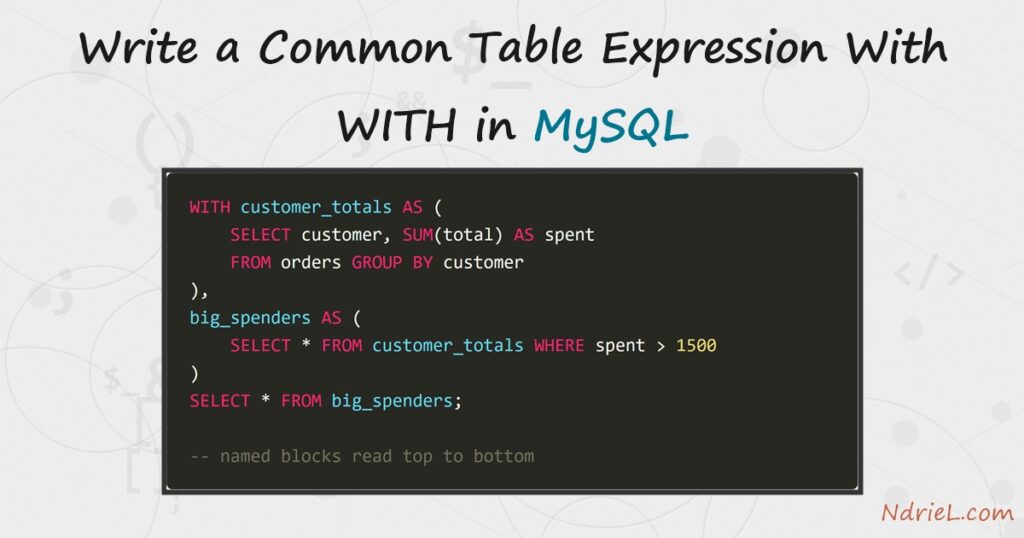
A common table expression names a query result, so the rest of the statement can read it like an ordinary table. The WITH keyword introduces it, and the name lives only for the length of that one statement. First, this tutorial replaces a nested subquery with a named block that reads top to bottom. Next, it chains a second block onto the first. Then it references one block twice in the same query, which a subquery cannot do without repeating itself. Finally, it shows where the name stops existing.
Requirements to write a common table expression:
- MySQL 8.0 or newer (tested on MySQL 8.4.10). MySQL 5.7 has no
WITHclause at all. - Terminal access to the mysql client, and a user that can create a database.
- A table worth summarising. The setup below creates one.
How To Write a Common Table Expression With WITH in MySQL.
The objective is a readable spending report. Create the demo data first, so every query below returns exactly what the article shows.
CREATE DATABASE ndriel_cte_demo;
USE ndriel_cte_demo;

CREATE TABLE orders (
    id        INT AUTO_INCREMENT PRIMARY KEY,
    customer  VARCHAR(40) NOT NULL,
    city      VARCHAR(30) NOT NULL,
    total     DECIMAL(10,2) NOT NULL,
    placed_on DATE NOT NULL
);

INSERT INTO orders (customer, city, total, placed_on) VALUES
    ('Anna Novak',   'Berlin',  1250.00, '2026-06-03'),
    ('Anna Novak',   'Berlin',   980.00, '2026-06-21'),
    ('Ben Carter',   'Toronto',  340.00, '2026-06-05'),
    ('Ben Carter',   'Toronto',  275.50, '2026-07-02'),
    ('Ben Carter',   'Toronto',  610.00, '2026-07-19'),
    ('Clara Dubois', 'Nairobi', 2100.00, '2026-06-11'),
    ('David Osei',   'Osaka',    150.00, '2026-06-28'),
    ('David Osei',   'Osaka',    225.00, '2026-07-14'),
    ('Elena Ruiz',   'Berlin',  1875.25, '2026-07-08'),
    ('Elena Ruiz',   'Berlin',   430.00, '2026-07-30');
Ten orders belong to five customers. Every query below starts by rolling those orders up per customer.
Step 1.
First, name one result set and select from it. The block sits above the query that uses it, which is the point — you read the definition before you read the use.
WITH customer_totals AS (
    SELECT customer, city, SUM(total) AS spent
    FROM orders
    GROUP BY customer, city
)
SELECT * FROM customer_totals ORDER BY spent DESC;
+--------------+---------+---------+
| customer | city | spent |
+--------------+---------+---------+
| Elena Ruiz | Berlin | 2305.25 |
| Anna Novak | Berlin | 2230.00 |
| Clara Dubois | Nairobi | 2100.00 |
| Ben Carter | Toronto | 1225.50 |
| David Osei | Osaka | 375.00 |
+--------------+---------+---------+The GROUP BY works exactly as it does in grouping and aggregating rows with GROUP BY. Only the packaging changed. Note that customer_totals exposes the alias spent, so the outer query can sort by a name the raw table never had.
Step 2.
Next, compare that against the nested form it replaces. Both queries below return the same three rows.
-- the nested version
SELECT customer, city, spent
FROM (
    SELECT customer, city, SUM(total) AS spent
    FROM orders
    GROUP BY customer, city
) AS customer_totals
WHERE spent > 1500
ORDER BY spent DESC;
The logic runs inside out: you meet SELECT customer, city, spent before you learn where those columns come from. A named block reverses that, so you always meet a definition before the query that reads it. For the general technique, see writing a subquery in MySQL.
Step 3.
Then, chain a second block onto the first. A comma separates them, and you write WITH once no matter how many follow.
WITH customer_totals AS (
    SELECT customer, city, SUM(total) AS spent
    FROM orders
    GROUP BY customer, city
),
big_spenders AS (
    SELECT * FROM customer_totals WHERE spent > 1500
)
SELECT customer, city, spent FROM big_spenders ORDER BY spent DESC;
+--------------+---------+---------+
| customer | city | spent |
+--------------+---------+---------+
| Elena Ruiz | Berlin | 2305.25 |
| Anna Novak | Berlin | 2230.00 |
| Clara Dubois | Nairobi | 2100.00 |
+--------------+---------+---------+Each block may read any block that appears above it, therefore big_spenders can select from customer_totals. The order matters: swap the two definitions and MySQL rejects the query, because nothing defines the name yet.
Step 4.
Now reference one block twice in a single query. This is the case a plain subquery handles badly, since it would force you to write the same aggregate again.
WITH customer_totals AS (
    SELECT customer, SUM(total) AS spent
    FROM orders
    GROUP BY customer
)
SELECT t.customer,
       t.spent,
       ROUND(avg_all.overall, 2) AS average,
       ROUND(t.spent - avg_all.overall, 2) AS diff
FROM customer_totals AS t
CROSS JOIN (SELECT AVG(spent) AS overall FROM customer_totals) AS avg_all
ORDER BY diff DESC;
+--------------+---------+---------+----------+
| customer | spent | average | diff |
+--------------+---------+---------+----------+
| Elena Ruiz | 2305.25 | 1647.15 | 658.10 |
| Anna Novak | 2230.00 | 1647.15 | 582.85 |
| Clara Dubois | 2100.00 | 1647.15 | 452.85 |
| Ben Carter | 1225.50 | 1647.15 | -421.65 |
| David Osei | 375.00 | 1647.15 | -1272.15 |
+--------------+---------+---------+----------+The name appears twice: once as t, and once inside the cross join that averages it. Meanwhile you write the GROUP BY that produced those totals exactly once. Every row now carries the group average beside its own figure, which is the shape most “compare to the average” reports need.
Step 5.
Finally, notice how narrow the name’s lifetime is. It belongs to one statement and disappears at the semicolon.
WITH customer_totals AS (SELECT customer, SUM(total) AS spent FROM orders GROUP BY customer)
SELECT COUNT(*) AS rows_in_cte FROM customer_totals;
SELECT * FROM customer_totals;+-------------+
| rows_in_cte |
+-------------+
| 5 |
+-------------+
1 row in set (0.00 sec)
ERROR 1146 (42S02): Table 'ndriel_cte_demo.customer_totals' doesn't existThe first statement succeeded and the second failed, even though they ran back to back. As a result, a block you want to reuse across queries needs a different tool — a MySQL view, which the database stores on disk and keeps between statements.
Result of the common table expression.
The clearest payoff is Step 4, where the query reads one named block twice yet spells the aggregate out once. This is the real output from MySQL 8.4.10:
mysql> WITH customer_totals AS (
-> SELECT customer, SUM(total) AS spent
-> FROM orders
-> GROUP BY customer
-> )
-> SELECT t.customer,
-> t.spent,
-> ROUND(avg_all.overall, 2) AS average,
-> ROUND(t.spent - avg_all.overall, 2) AS diff
-> FROM customer_totals AS t
-> CROSS JOIN (SELECT AVG(spent) AS overall FROM customer_totals) AS avg_all
-> ORDER BY diff DESC;
+--------------+---------+---------+----------+
| customer     | spent   | average | diff     |
+--------------+---------+---------+----------+
| Elena Ruiz   | 2305.25 | 1647.15 |   658.10 |
| Anna Novak   | 2230.00 | 1647.15 |   582.85 |
| Clara Dubois | 2100.00 | 1647.15 |   452.85 |
| Ben Carter   | 1225.50 | 1647.15 |  -421.65 |
| David Osei   |  375.00 | 1647.15 | -1272.15 |
+--------------+---------+---------+----------+
5 rows in set (0.00 sec)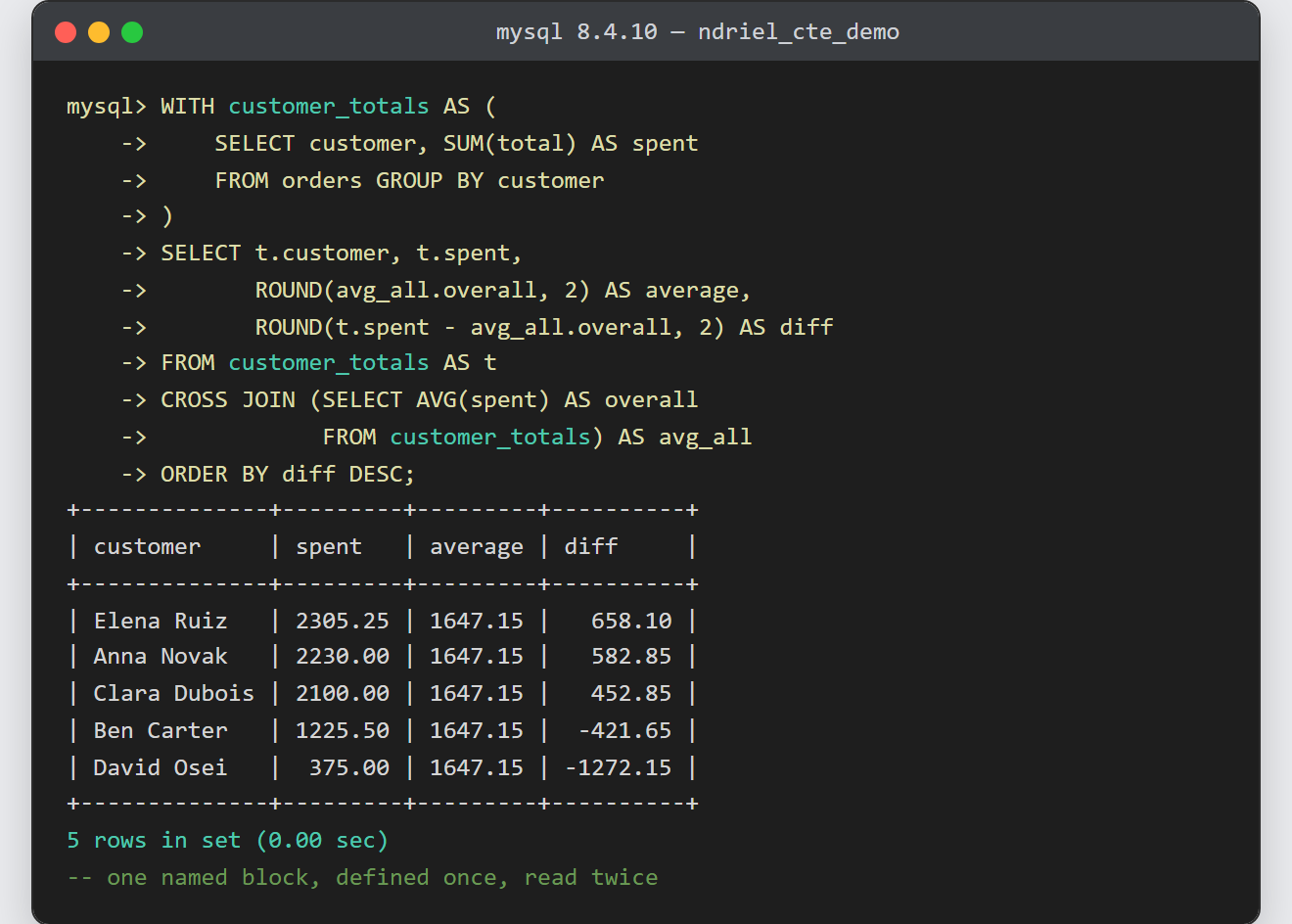
Notes on the common table expression:
- The name lives for one statement only. Nothing persists, nothing reaches disk, and you have no cleanup to do afterwards.
- You can declare column names up front as
WITH totals (name, spend) AS (…). That form is useful when the inner query’s aliases are awkward. - MySQL may merge the block into the outer query or materialise it into a temporary table. The choice is the optimiser’s, so check the plan with an index read through EXPLAIN before assuming either.
- Readability is the main win, not speed. MySQL may still evaluate a block twice when two places read it, however writing the logic once removes a real source of copy-paste bugs.
WITHalso prefixesUPDATEandDELETEin MySQL 8.0, not justSELECT.- Adding
RECURSIVEafterWITHlets a block refer to itself, which is how a query walks hierarchical data such as a category tree.
