
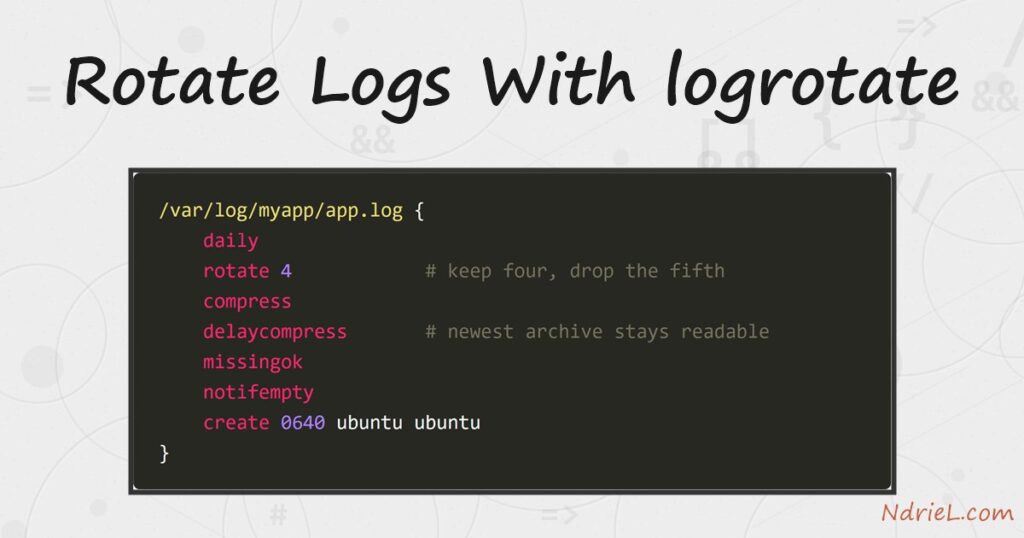
Rotate logs with logrotate and a log file that grows forever becomes a short, dated series that cleans up after itself. The tool renames the current file, starts a fresh one, compresses the older copies, and deletes anything past the limit you set. First, this tutorial writes a config for one application log. Next, it tests that config safely with a dry run. Finally, it covers copytruncate, postrotate, and the reason a rotated log sometimes stops being written to.
Requirements to rotate logs with logrotate:
- A Linux server with logrotate installed (tested on logrotate 3.21.0, Ubuntu 24.04.4 LTS). Nearly every distribution ships it already.
- A log file worth rotating, and sudo access to write in /etc/logrotate.d/.
- Terminal access. If you reach the box over SSH, connecting with SSH keys makes this routine painless.
How To Rotate Logs With logrotate.
The objective is to cap a log’s size and age without losing recent history. The examples use /tmp/a53/app.log so nothing important is at risk. Once the config behaves, move it to /etc/logrotate.d/ and point it at the real path.
Step 1.
First, write the config. One file per application, named after it, is the convention — so an app log belongs in /etc/logrotate.d/myapp.
/tmp/a53/app.log {
    daily
    rotate 4
    compress
    delaycompress
    missingok
    notifempty
    create 0640 ubuntu ubuntu
}
Each directive earns its place. daily sets the schedule, while rotate 4 keeps four old copies and deletes the fifth. compress gzips them, and delaycompress leaves the newest archive uncompressed so you can still read it with tail. Finally, missingok and notifempty stop the job complaining about a log that does not exist or has nothing in it.
Step 2.
Next, test it without changing anything. The -d flag makes logrotate explain its reasoning and touch no files.
logrotate -d -s /tmp/a53/state /tmp/a53/logrotate.confreading config file /tmp/a53/logrotate.conf
Handling 1 logs
rotating pattern: /tmp/a53/app.log after 1 days (4 rotations)
empty log files are not rotated, old logs are removed
considering log /tmp/a53/app.log
Now: 2026-08-10 12:09
Last rotated at 2026-08-10 12:00
log does not need rotating (log has already been rotated)Always dry-run a new config, because a typo here is only discovered when a log quietly stops rotating. The -s flag points at a private state file, so this test cannot disturb the system’s own record in /var/lib/logrotate/status.
Step 3.
Then, force a rotation to see the result immediately. -f ignores the schedule and rotates now.
logrotate -f -s /tmp/a53/state /tmp/a53/logrotate.conf-rw-r----- 1 ubuntu ubuntu 14 app.log
-rw-r----- 1 ubuntu ubuntu 14 app.log.1
-rw-r----- 1 ubuntu ubuntu 34 app.log.2.gz
-rw-rw-r-- 1 ubuntu ubuntu 44 app.log.3.gzThe numbering runs newest to oldest. app.log is live, app.log.1 is the previous period, and everything older is gzipped — exactly what delaycompress promised. Notice the new file carries the 0640 mode from the create directive.
Step 4.
Rotation by renaming has a catch. A long-running process holds an open handle to the file, not to its name, so it keeps writing to the renamed archive and the new log stays empty.
    postrotate
        systemctl reload nginx
    endscript
Two directives solve it. postrotate runs a command after the rename, which is how you tell a service to reopen its log. Alternatively, copytruncate copies the file’s contents away and empties the original in place, so the process never notices.
/tmp/a53b/app.log {
    daily
    rotate 3
    compress
    copytruncate
    postrotate
        echo "rotated at $(date -u +%H:%M:%S)" >> /tmp/a53b/postrotate.log
    endscript
}
After that run, app.log is zero bytes but keeps the same inode, and app.log.1.gz holds the old lines. However, copytruncate has a small race: anything written between the copy and the truncate is lost. Prefer postrotate when the service supports reopening.
Step 5.
Finally, install the config and let the system run it. logrotate is not a daemon; something else wakes it once a day.
sudo cp myapp /etc/logrotate.d/myapp
sudo chown root:root /etc/logrotate.d/myapp
sudo chmod 644 /etc/logrotate.d/myapp

systemctl list-timers logrotate.timer
NEXT LEFT LAST UNIT
Tue 2026-08-11 00:00:00 UTC 11h Mon 2026-08-10 00:00:01 UTC logrotate.timerOn Ubuntu 24.04 a systemd timer triggers it; older systems use a cron job in /etc/cron.daily/ instead. Either way the schedule in your config is a minimum age, not an alarm clock — a daily log rotates on the first run that happens after a day has passed.
Result of rotating logs with logrotate.
One growing file becomes a bounded, compressed series, and the oldest copy falls off the end automatically. This is the real output from logrotate 3.21.0 on Ubuntu 24.04.4:
$ logrotate -f -s /tmp/a53/state /tmp/a53/logrotate.conf   # x3
$ ls -l
-rw-r----- 1 ubuntu ubuntu 14 Aug 10 12:09 app.log
-rw-r----- 1 ubuntu ubuntu 14 Aug 10 12:09 app.log.1
-rw-r----- 1 ubuntu ubuntu 34 Aug 10 12:09 app.log.2.gz
-rw-rw-r-- 1 ubuntu ubuntu 44 Aug 10 12:09 app.log.3.gz

$ zcat app.log.3.gz
app started
request ok
request ok

# copytruncate: emptied in place, inode unchanged
$ stat -c "%n inode=%i size=%s" app.log
app.log inode=553585 size=0

$ cat postrotate.log
rotated at 12:09:39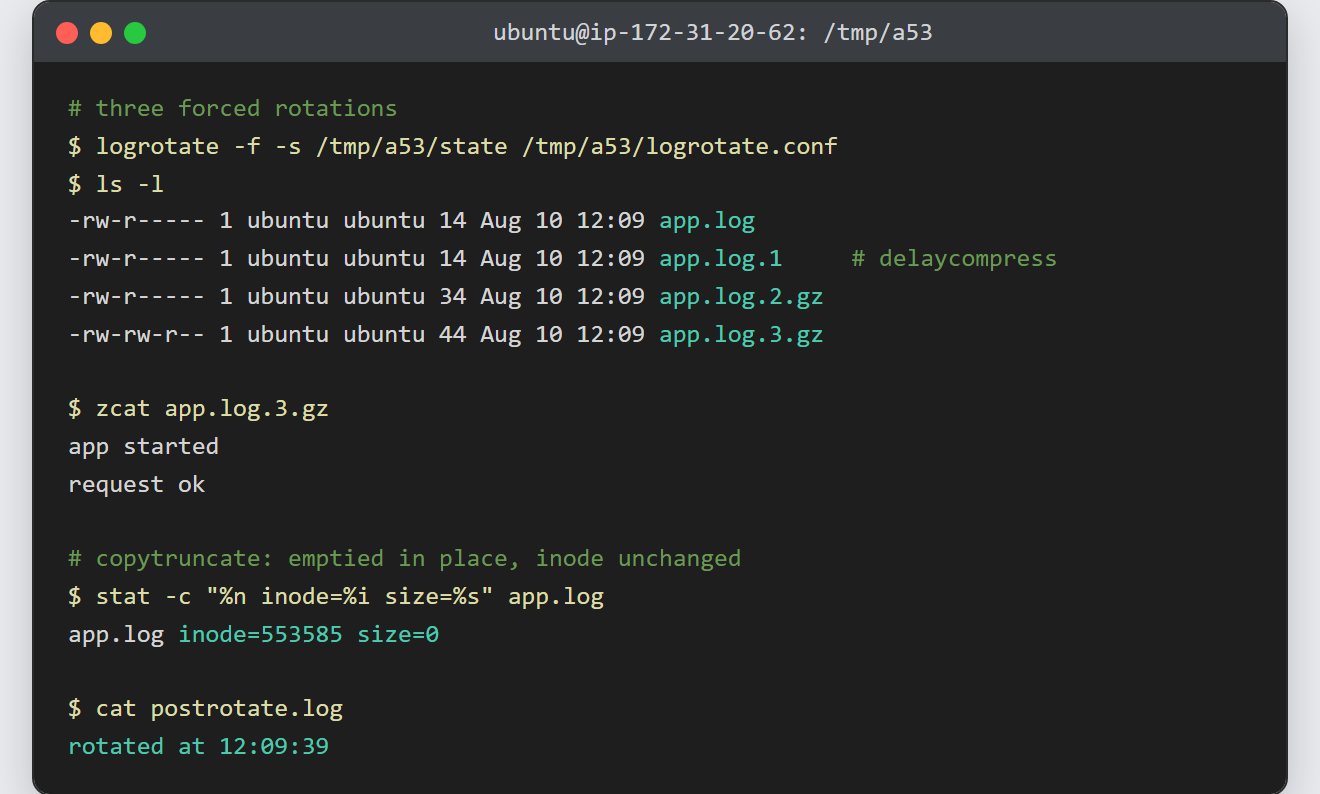
Notes on rotating logs with logrotate:
- Test with
-dbefore trusting a config. A broken entry does not raise an alarm; the log simply grows until the disk fills. - Rotate by size when traffic is uneven.
size 100Mreplaces the schedule, andmaxsizecombines the two — rotate daily, but sooner if the file gets large first. - Use
sharedscriptswhen a pattern matches several files. Without it,postrotateruns once per file, so a busy service gets reloaded repeatedly. - The distribution’s own configs are the best reference. /etc/logrotate.d/nginx shows
rotate 14,delaycompressand apostrotatereload in one short file. - Ownership matters after rotation. Match the
createmode and user to whatever writes the log, or the service loses permission to its own file. - Give each site its own log and its own policy. An Apache virtual host can point
ErrorLogandCustomLogat per-site files, and a matching wildcard entry then rotates them together.
